What you need, and what changes
- A subdomain you control, such as
board.yourcompany.comorwork.youragency.com. Most DNS providers can’t point a bare domain likeyourcompany.comwith a CNAME, so use a subdomain. - Access to its DNS settings, to add two records.
- A Individual or Team plan. In a team workspace, an admin sets it up.
- What moves: every Public and Secret code link in the workspace, at the same path.
artifact.guru/acme/q3-roadmapbecomesdocs.acme.com/q3-roadmap. - What stays: Private and Email links keep opening on artifact.guru, where people can sign in.
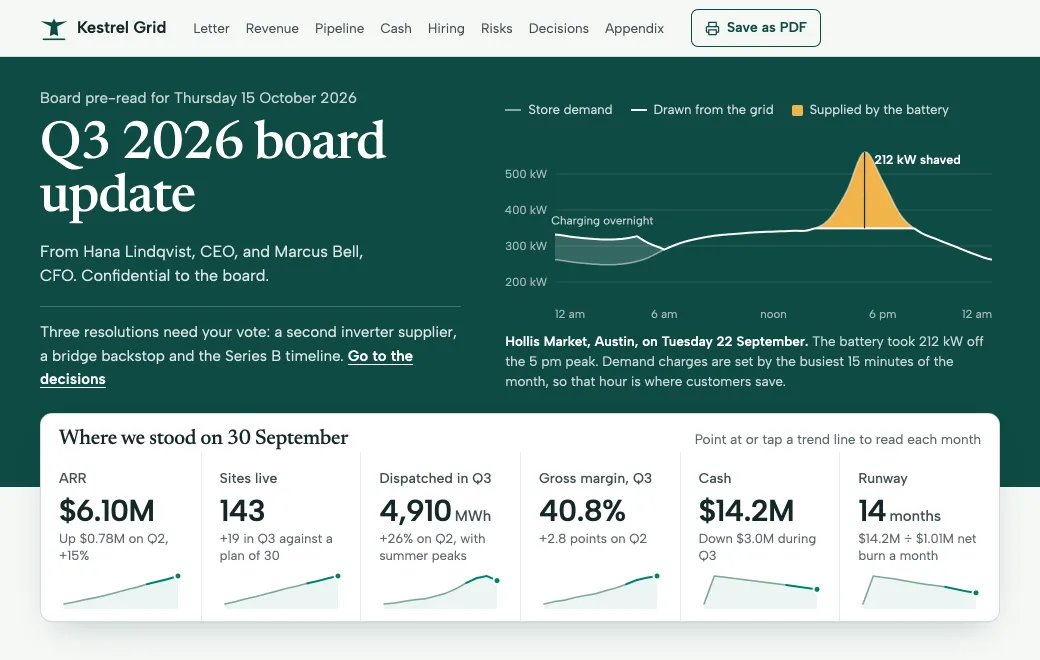
Kestrel Grid’s board update below lives at board.kestrelgrid.com/q3-2026, behind a secret code, so directors see the company’s own address. They can switch the cash runway to the bridge-round scenario and mark which decisions they’re ready to approve.
Why the address matters for client and board documents
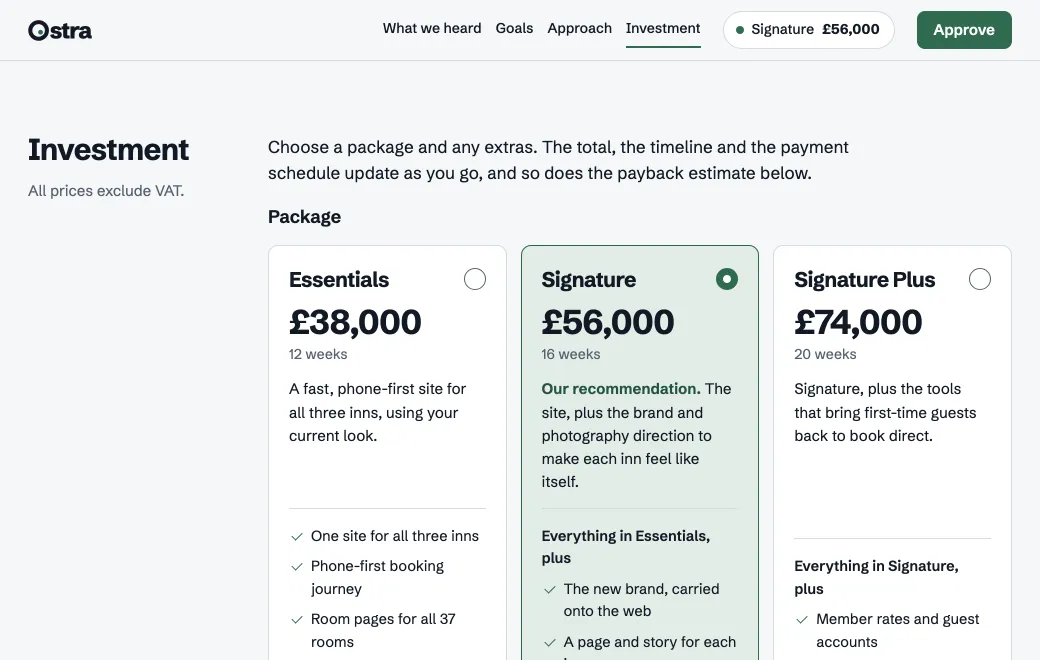
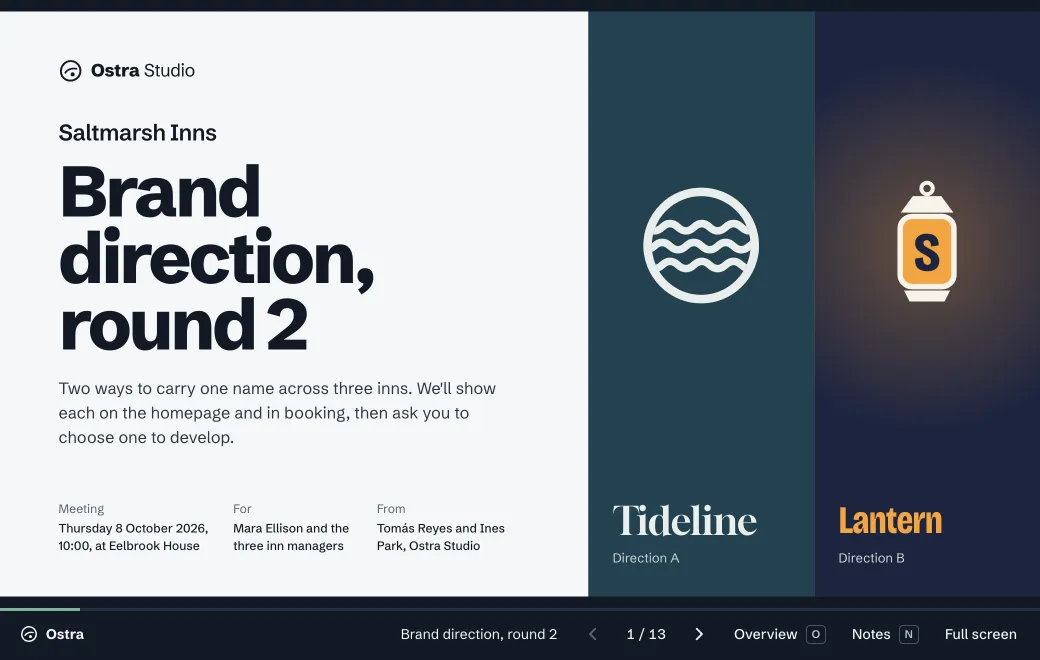
An address is the first thing a recipient checks. A director who gets a link at board.kestrelgrid.com knows who sent it before it opens. A link on a service they’ve never heard of makes them stop and wonder whether it’s safe to click. Client work is the same: work.youragency.com/saltmarsh-proposal reads as yours.
The domain doesn’t change who can open a page. A secret code still guards it, and the page still runs in our sandbox. The domain changes only the address bar, and that address stays the same through every revision, because edits never change the link.
The board update also shows what a page can do without a server. A director’s marks and notes stay in their own browser, and Email my notes opens an email with them filled in. Nothing is stored on artifact.guru.
Publish the page first
The domain serves links from your workspace, so the page has to be there first. Drop the .html file on your workspace, or a folder or .zip for a site with several files. Or ask your agent: “Publish board-update.html to artifact.guru with a secret code that expires in 30 days, and give me the link and the code.” You can do this before or after connecting the domain, because links move either way.
Connect your domain
- Ownership
- Hostname
- Certificate
- HTTPS check
- Add the domain
Open Settings, find Custom domain, type the hostname and choose Add domain.
- Add the TXT record
It proves the domain belongs to your workspace. Settings shows the exact name and value, with copy buttons. For
board.kestrelgrid.com, the name is_artifact-guru.board. - Add the CNAME record
It points the subdomain at artifact.guru.
Copydomains.artifact.guru - Check now
Choose Check now. Settings runs four checks, from ownership to HTTPS, and ticks each one as it passes. The certificate is issued for you.
Type     Name                    Value
TXT      _artifact-guru.board    artifact-guru-verify=… (copy it from Settings)
CNAME board domains.artifact.guru| If this check fails | What to look at |
|---|---|
| Ownership | The TXT name and value. Many DNS providers add your domain to the name for you, so enter only _artifact-guru.board, not the full hostname. |
| Hostname | The CNAME points at domains.artifact.guru, and no A or AAAA record uses the same name. |
| Certificate | Usually done minutes after the CNAME is in place. Give it a little longer. |
| HTTPS check | Open the domain in a browser. Anything in front of it, such as another proxy, has to pass requests through. |
What opens on your domain
| Mode | Where its link opens |
|---|---|
| Public | Your domain |
| Secret code | Your domain, after the code screen |
| artifact.guru, where people sign in | |
| Private | artifact.guru, where people sign in |
Sign-in happens on artifact.guru, so links that need it stay there. That’s why a board pack meant for your own address goes out with a secret code rather than an Email invite. If you need each director’s name more than the address, use Email and send the artifact.guru link. See Choose who can open your link.
What the recipient sees
- In a chat or an email: the link at your address. Pasted into Slack or WhatsApp, a secret-code link shows a plain “Protected link” card with no title. A Public link shows its title and your workspace’s name.
- On a phone, before the page: for a code link, a card that says “Enter the code”, at your address. They type the code and tap Open.
- The page: full size, with a slim bar holding the artifact.guru mark, the title, Copy link and Download. Switch off Show controls in Share and they see only your page, full screen.
- In the browser tab: the page’s title, once the code has been entered.
What happens to links you already sent
- When you connect the domain: Public and code links you already sent keep working and forward to the new address. Nobody needs a new link.
- When you edit a page: the address stays, and always shows the live version.
- When you rename a link: the old name keeps redirecting to the new one.
- When you remove the domain, or the plan ends: links move back to their artifact.guru addresses and keep working there. Addresses on your domain only work while it’s connected, so send the artifact.guru link to anyone who still needs one.
Putting a Claude artifact on your domain
Claude’s help center doesn’t describe custom domains for shared artifacts. To put one at your own address, publish it to artifact.guru first, in one of two ways.
- Let Claude publish it. Add artifact.guru as a custom connector in Claude’s Settings → Connectors, with the address below, and approve it. On Claude’s Team and Enterprise plans, an Owner adds it for the organization first. Then ask: “Publish this artifact to artifact.guru with a secret code, and give me the link and the code.”
- Download it, then upload it. For a design, Export offers standalone HTML; designs are a beta on Claude’s paid plans. Artifacts made in a chat before September 16, 2026 have a download control at the top of the panel. Drop the file on your workspace.
https://mcp.artifact.guru/mcpOnce it’s in your workspace, it’s a link like any other, and the domain applies to it. See Export a Claude artifact for the steps.
Search engines
Every shared page carries a noindex tag, on your domain too, and so do the files inside it. A Public page at your address won’t turn up in search results, and won’t compete with your main site. If you want a page to be found by searching, put it on your own website.
Plans and prices
| Plan | Price | Your own domain | People |
|---|---|---|---|
| Individual | $12 a month | Included | 1 |
| Team | $30 a month | Included | 3 included, then $8 each, up to 15 |
Prices are per month, in US dollars. See Plans and billing.
When you don’t need it
- Everything you share is internal. Private and Email links stay on artifact.guru anyway, so a domain changes nothing for them.
- You want the page found in search. Shared pages stay out of search; publish it on your website instead.
- It’s one link this month. The artifact.guru address will do. If you add a domain later, links you already sent forward to it.
Limits
- A subdomain is the safe choice. Most DNS providers can’t point a bare domain with a CNAME.
- Private and Email links don’t open on it.
- With controls on, the bar carries the artifact.guru mark. Switch off Show controls to remove it.
- Pages have no server behind them. A form needs a form service, and a page can’t keep data for its visitors.