Blog
Guides to publishing and sharing what your agent made
How to share what you make with Claude and ChatGPT, and how to decide who can open it. Every guide has a working sample to try, and what we say about other products is dated.
From Claude, ChatGPT and other agents
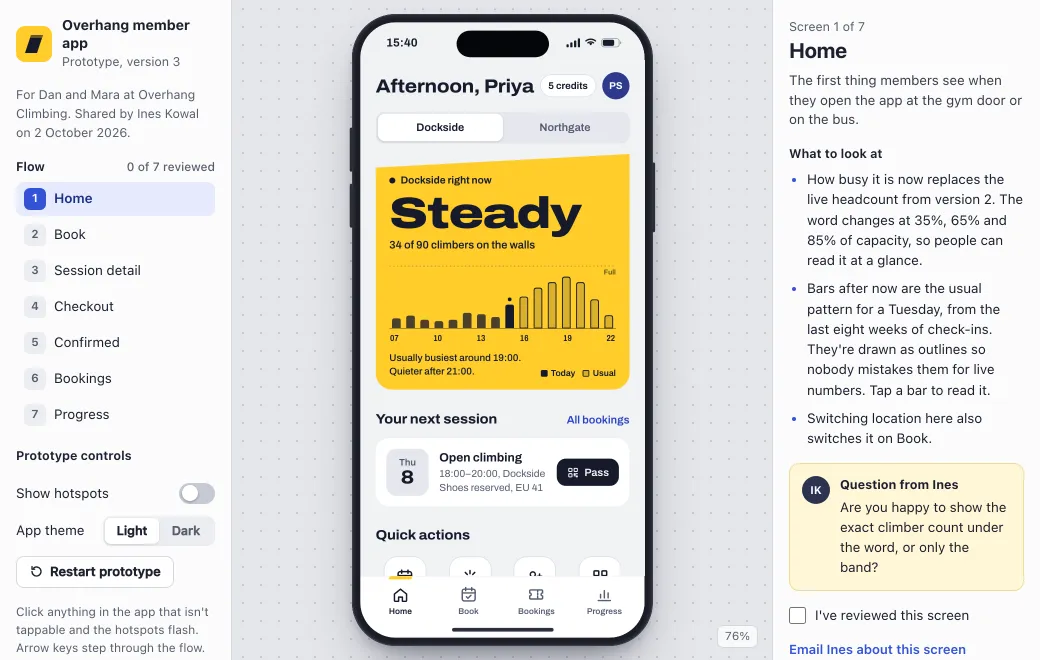 Who can open a shared Claude artifactClaude’s sharing options by plan, who needs a Claude account, and how to send an artifact to a client who doesn’t have one.
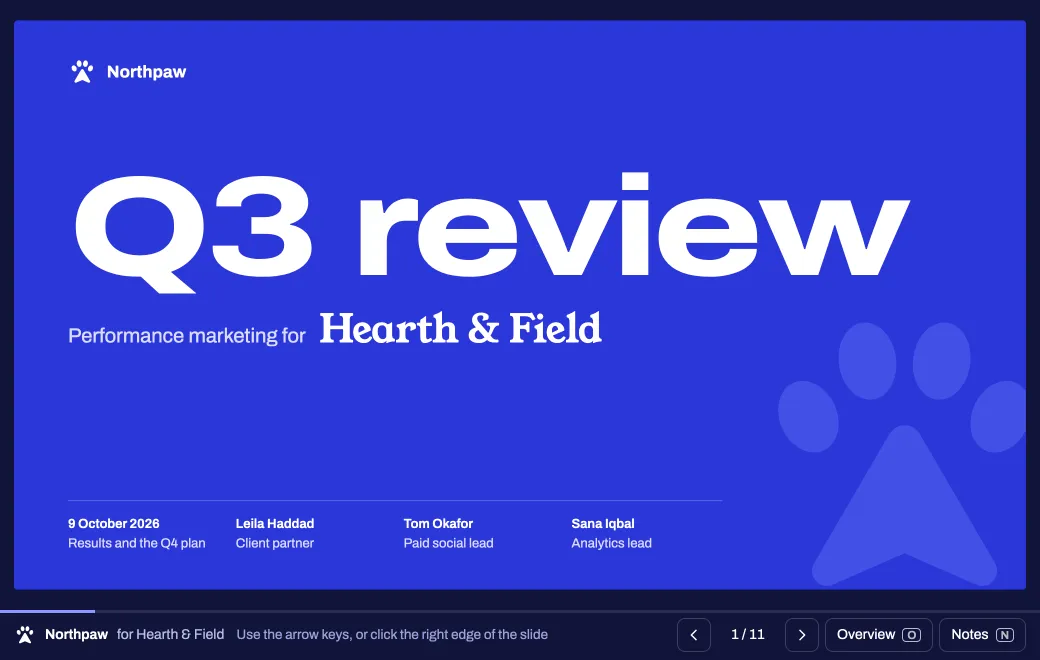 How to export a Claude artifact and share it as a linkWhich export to choose for a doc, deck or design, how each looks once published, and what stays behind in Claude.
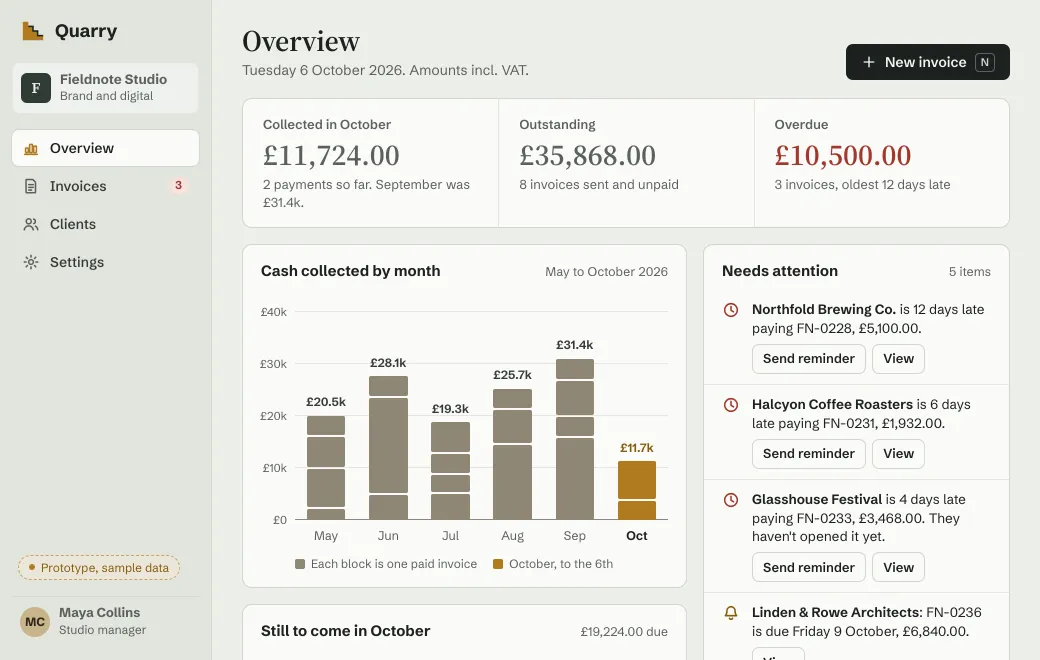 How to publish from Claude Code to a link your team and clients can openConnect Claude Code to artifact.guru once, then publish files and sites, revise them at the same link and share them from the terminal.
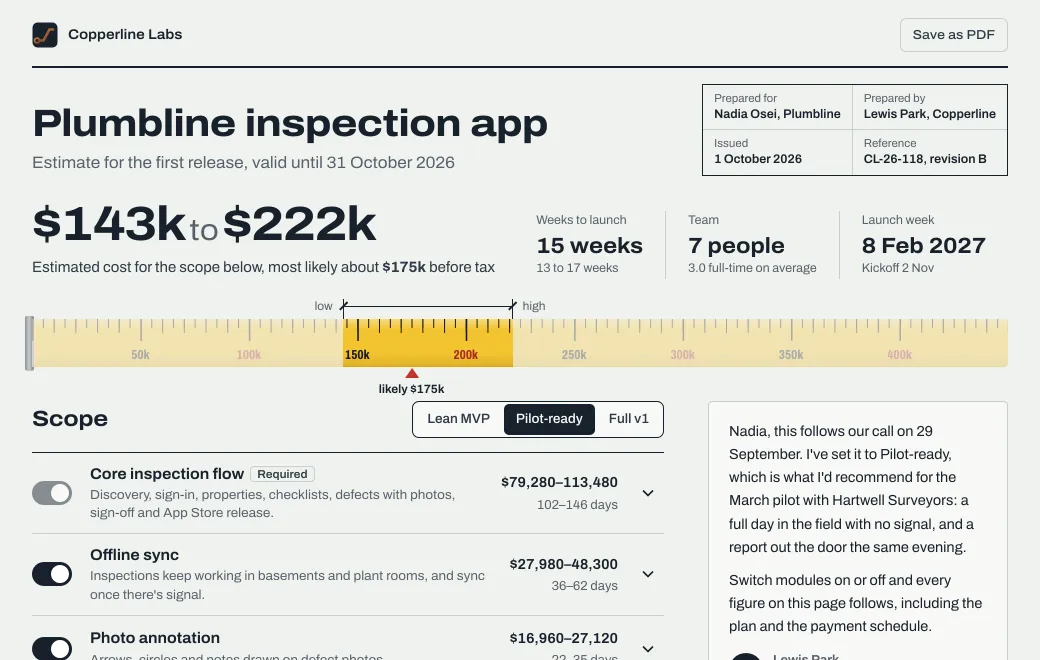 Publish what ChatGPT made as a link people without ChatGPT can openWhich ChatGPT plans can publish, how to connect artifact.guru in developer mode, and how to share and revise pages at one link.
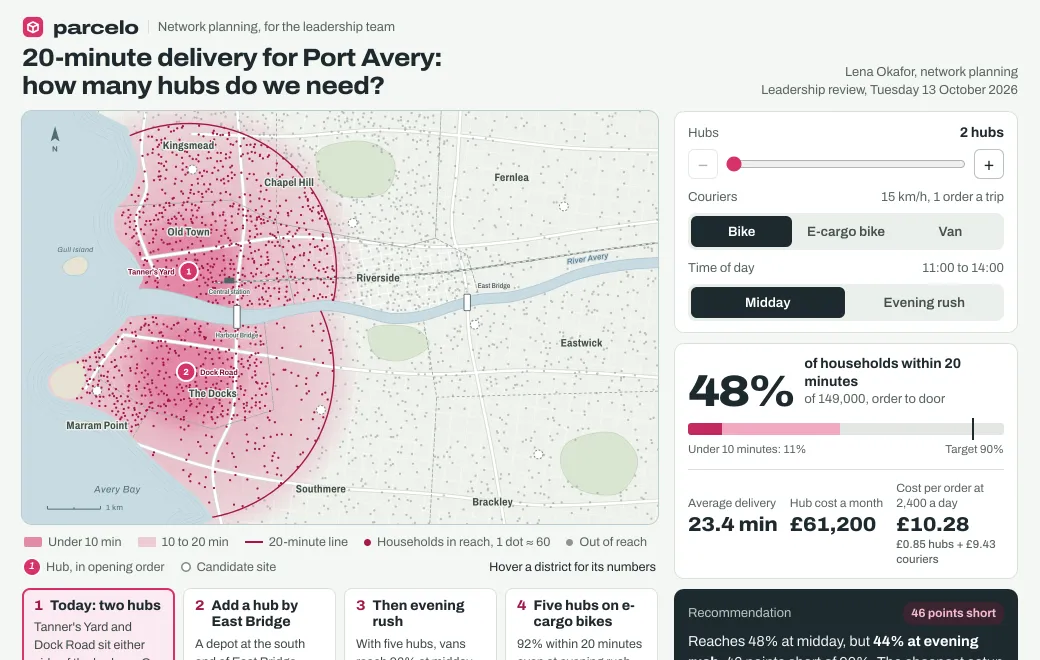 How to connect Grok to artifact.guru and publish what it makesAdd artifact.guru to Grok Bot, Grok Build or grok.com once, then turn research answers into pages people can explore, at links you control.
Share safely
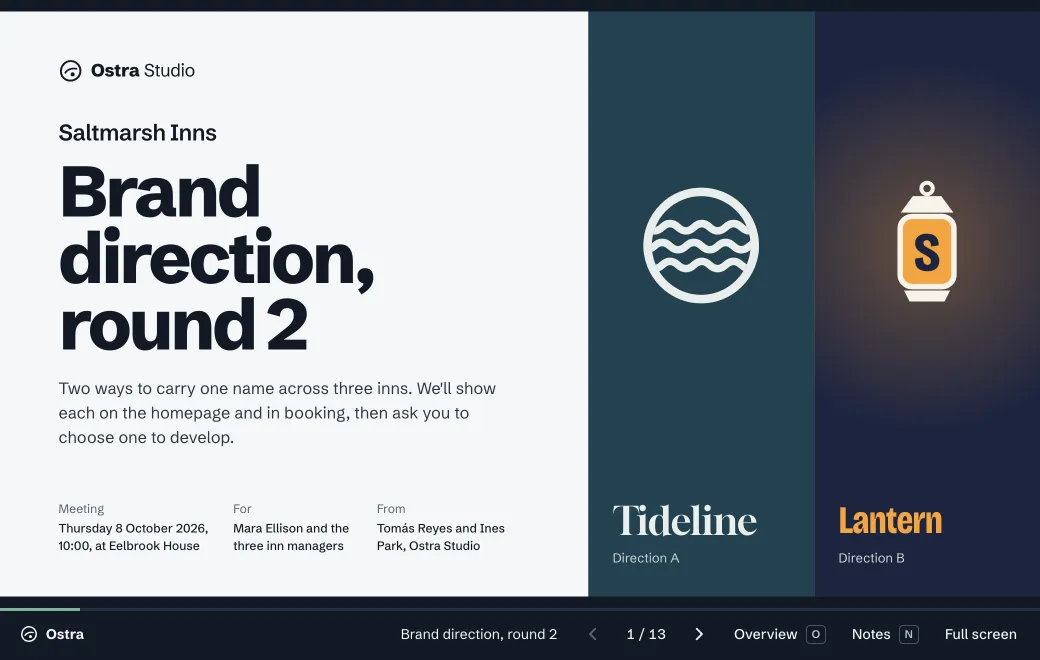 Choose who can open your link, document by documentHow to pick a sharing mode for a proposal, a board pack or a launch page, and what each mode shows the reader and you.
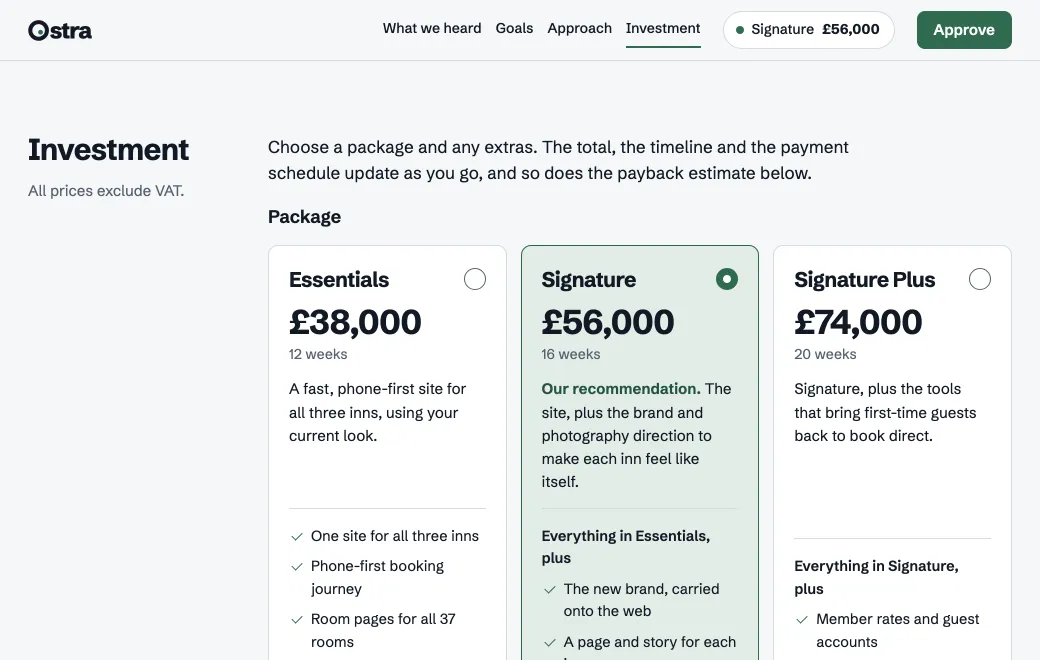 How to password-protect an HTML fileWhy a password inside the page only hides it, what a check on the server changes, and how to put an HTML page behind a code that expires.
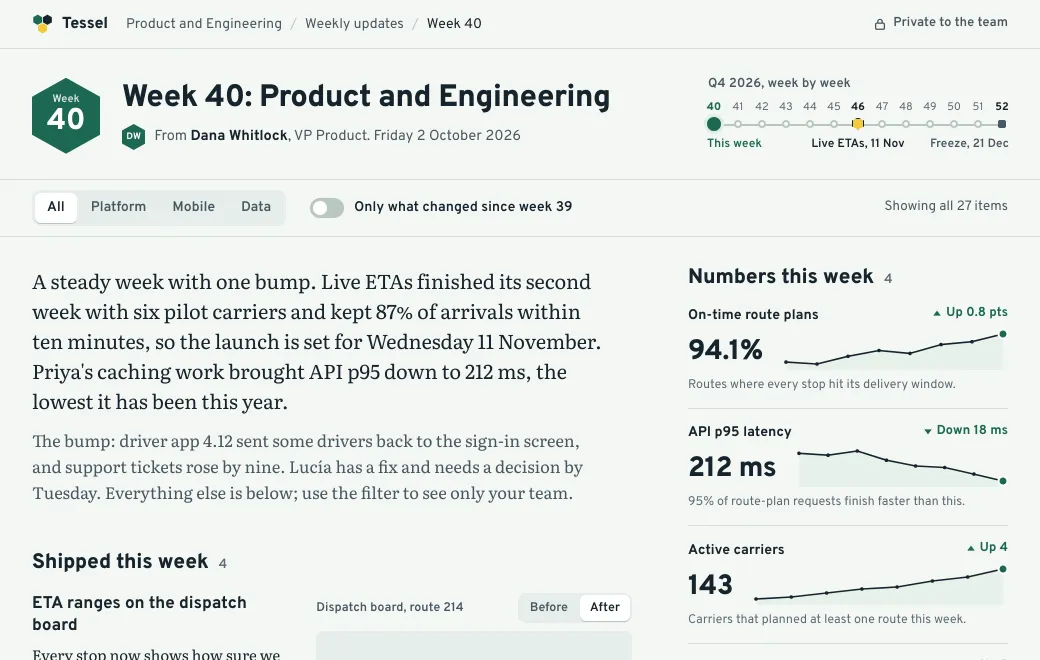 How to know if someone opened your link, and whoEvery link counts its views, and links that need sign-in also show names. This covers where to look, what each number means and what a view can’t tell you.
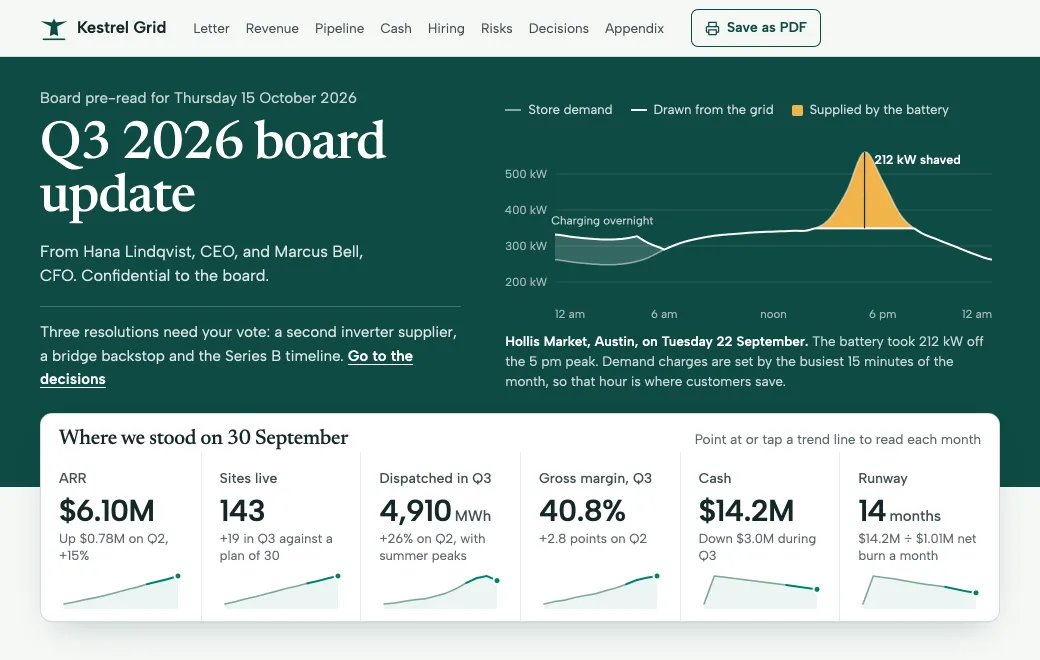 How to put an HTML page or a Claude artifact on your own domainHow to serve shared pages from a subdomain like board.yourcompany.com with two DNS records, which links move there, and what it costs.
Client work and documents
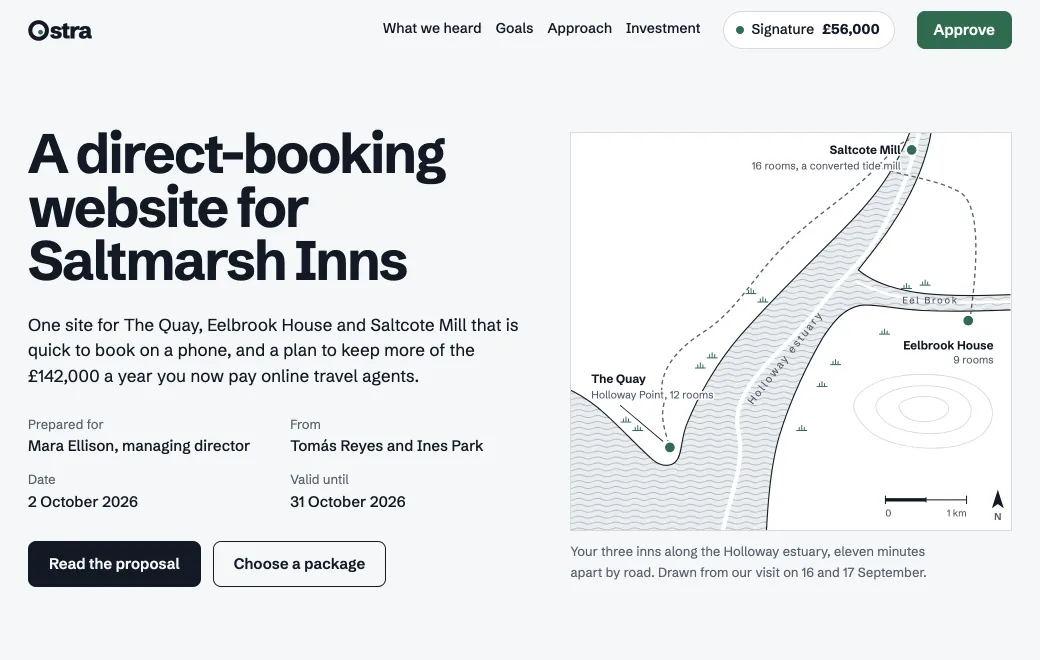 How to send a proposal as a link instead of a PDFWhat a proposal page does that a PDF can’t, what the PDF still does better, and how to brief your agent, share the link and revise it.
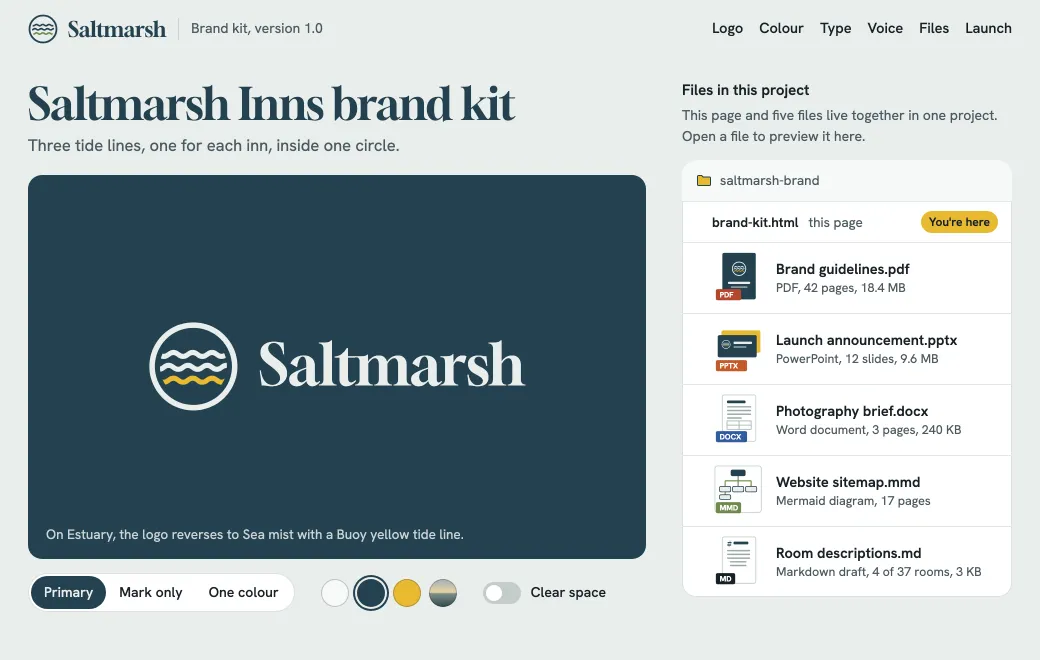 How to share a PowerPoint, Word file or PDF as a link that stays currentSend a deck, document or PDF as one link that opens in any browser, swap in a new file later at the same address, and see who opened it.
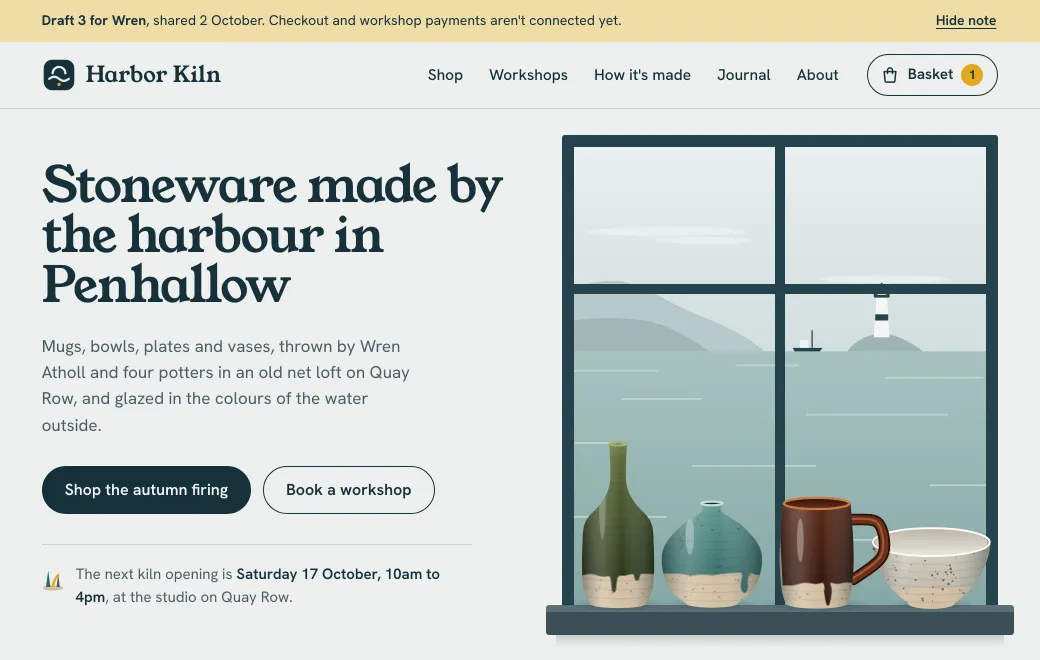 How to share an HTML file as a working web pageWhy an attached HTML file doesn’t show the page, what the file needs, and how to publish it as a link people can open on any phone.
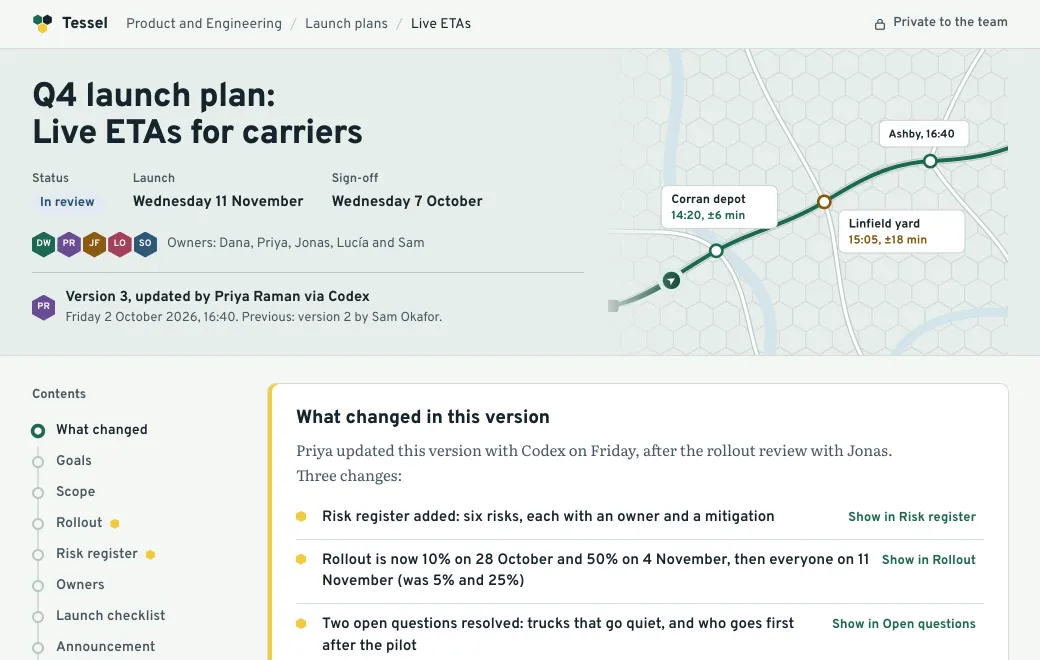 How to update a page you’ve shared without sending a new linkWhat readers see when you change a page you’ve shared, and how to make a focused edit. It also covers who changed what, rolling back, and replacing PDFs and decks.
Interactive pages
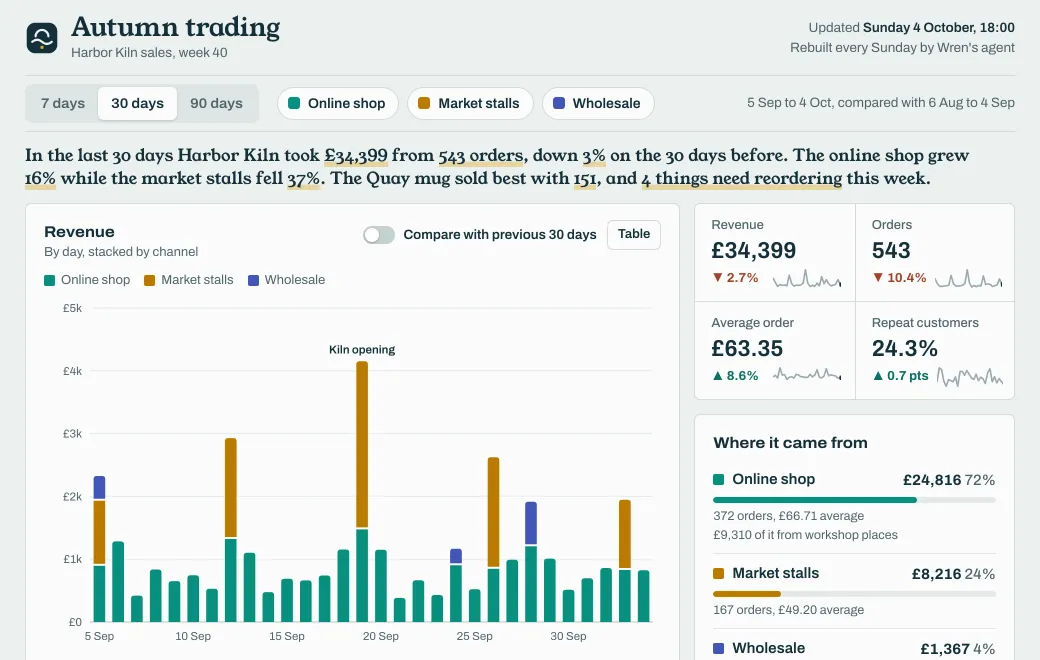 How to turn a CSV into a dashboard your team can filterHow to turn a sales export into a dashboard your team can filter, check that its totals agree, and refresh it every week at the same link.
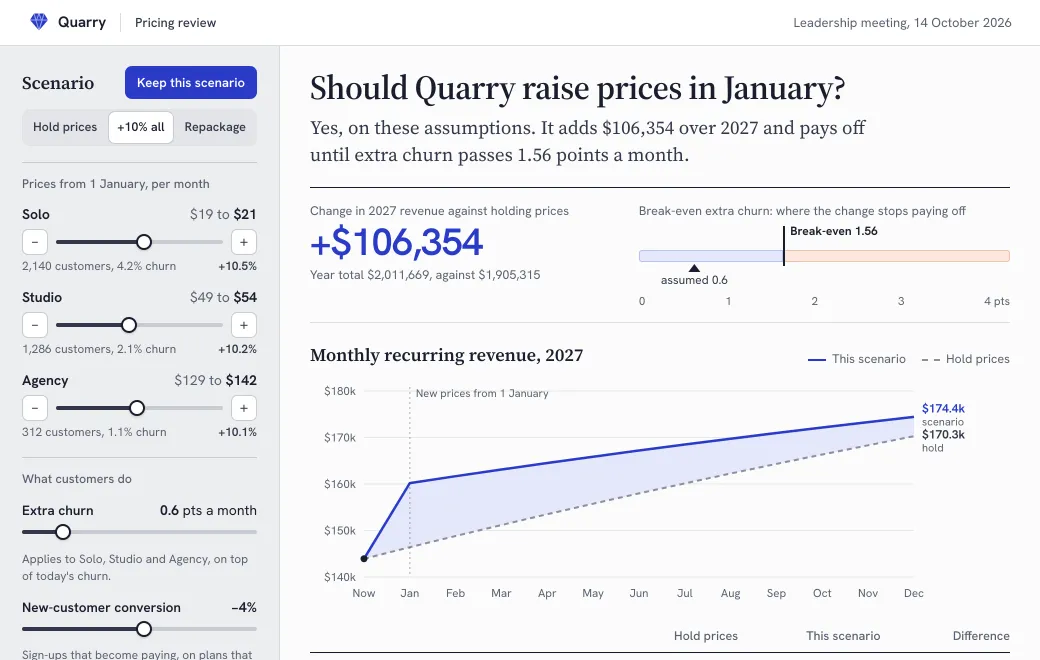 How to build a scenario model people can change during a meetingDecide the model before an agent builds the page, check it against answers you already know, and present it to the room from one link.
Publish your own
Connect your agent once, or drop a file on your workspace. It starts private.