Published with artifact.guru
Fulcrum’s process map
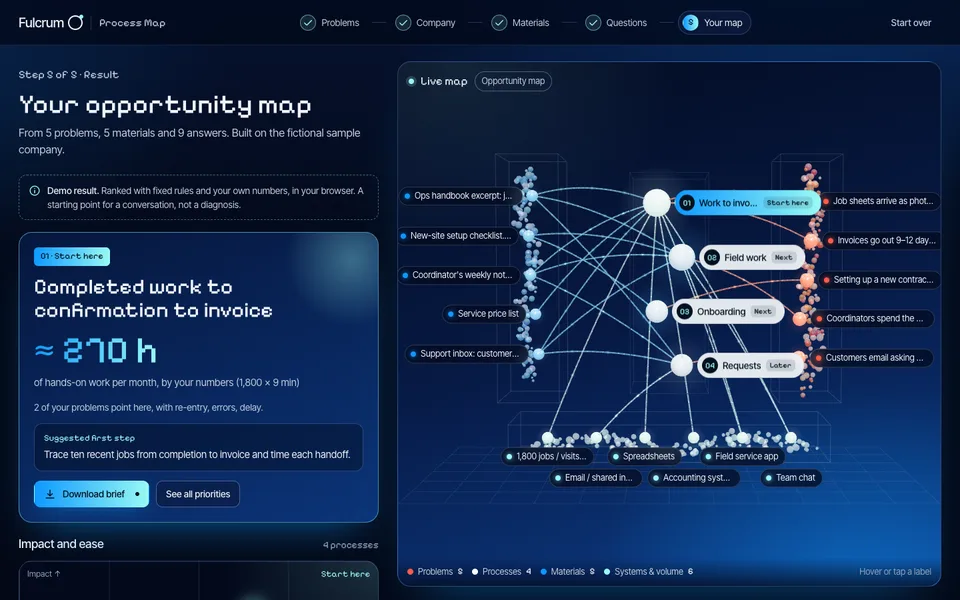
A discovery questionnaire that draws a company’s process map as you answer. Fulcrum publishes it on its own domain and improves it at the same link.
Use cases
Publish proposals, prototypes and board updates from your agent, or upload them yourself. Choose who can open each one, and keep updating the same link.
Samples
Each sample is a page someone could publish today, shown the way their client or team would open it. Every control works. The companies are made up.
From the first pitch to the client’s sign-off.
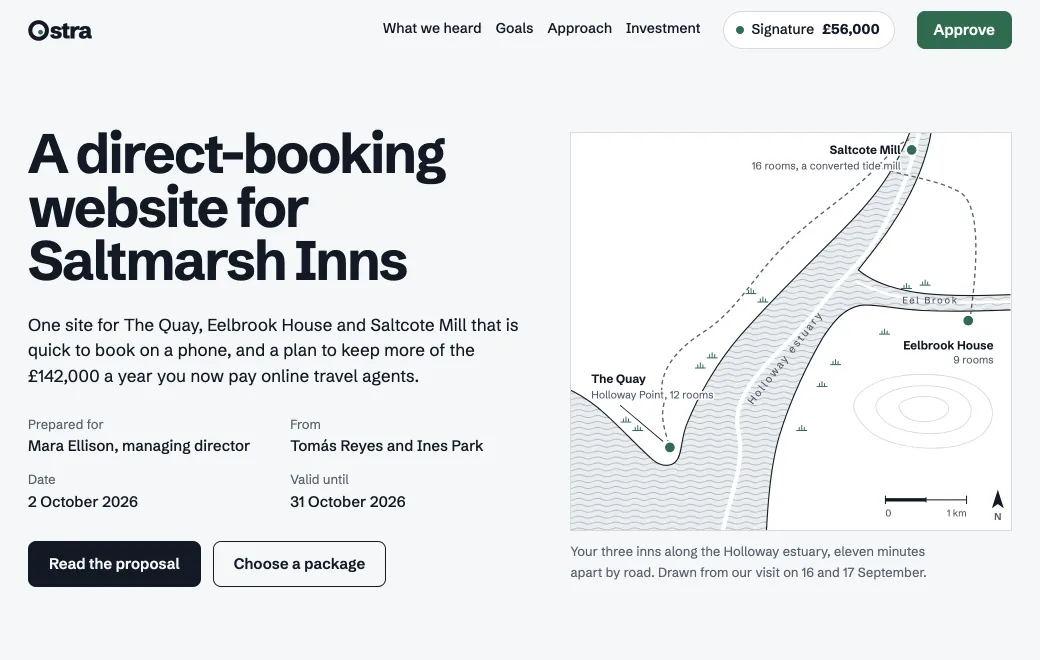 ProposalClient proposalsPublish a proposal as a page made for one client. The price and timeline change as they pick a package, and they approve it in the same place. On an Email link, you see when they opened it.See how
 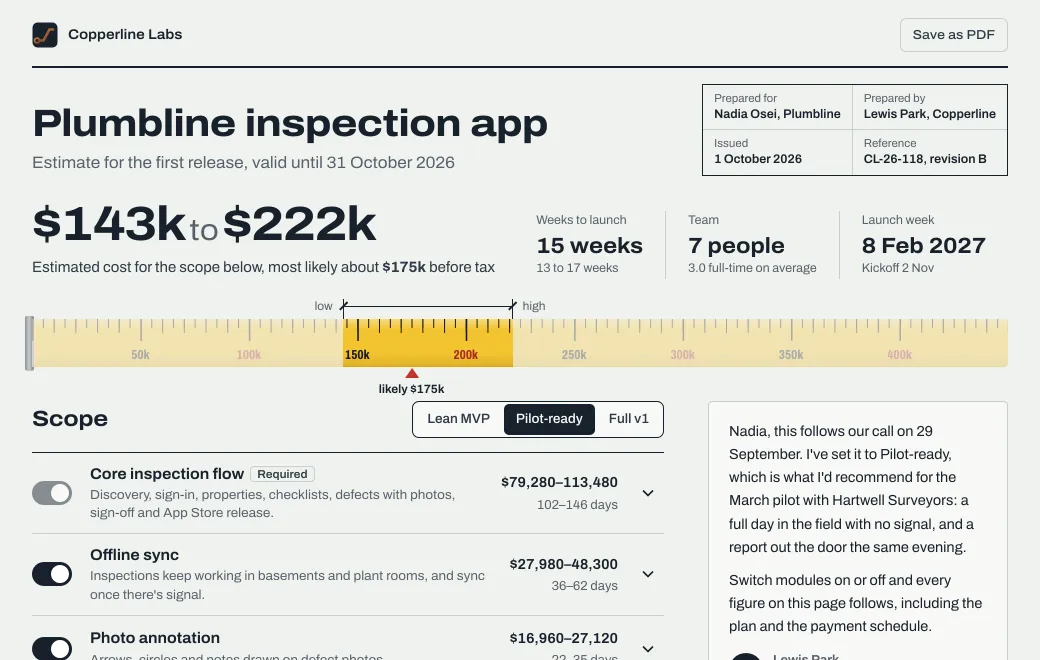 EstimateEstimatesTurn a spreadsheet estimate into a page where the client switches parts of the scope on and off, and the price range and timeline change with them. When they ask “what if we skip Android?”, the page already has the answer.See how
 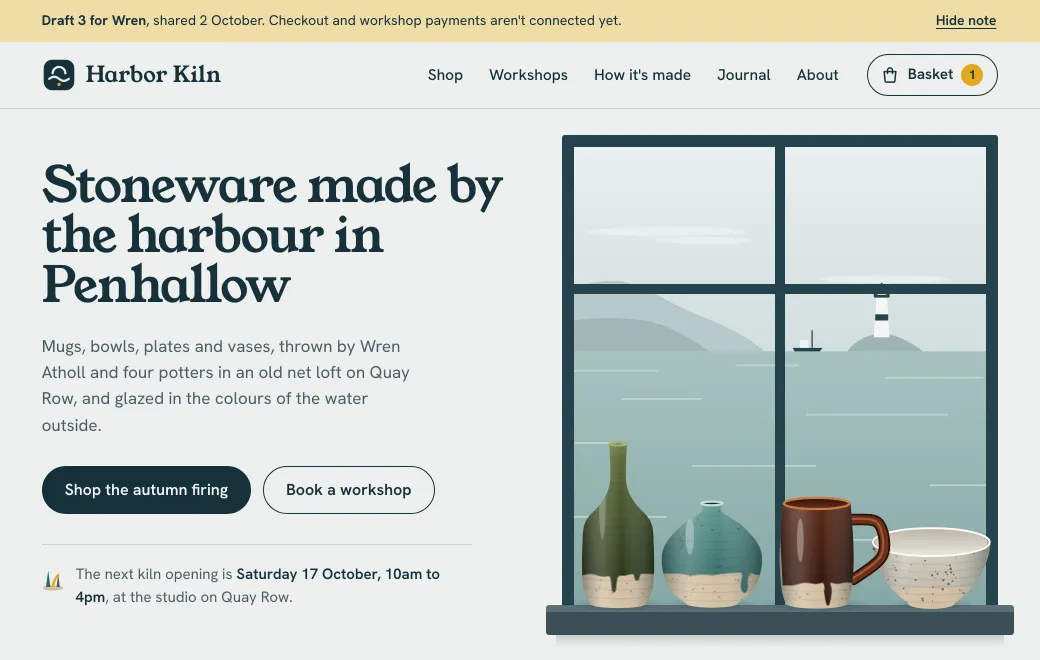 Website draftWebsite draftsPublish the draft site with its real content and send one link. The client reads the copy where it will live and taps through it on their phone. Each revision shows up at the same address.See how
 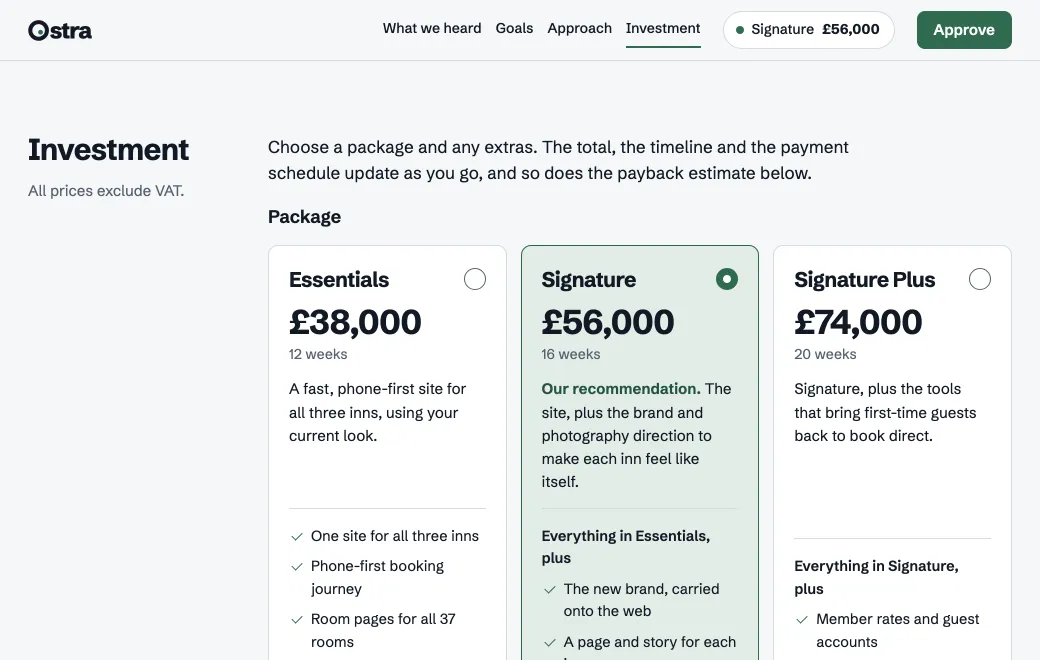 ProposalFor agenciesEach client’s proposal, review deck and handover kit gets its own link, shared with only the people who need it. When you revise one, the client’s link shows the new version.See how
 Prototypes and ideas people can try for themselves.
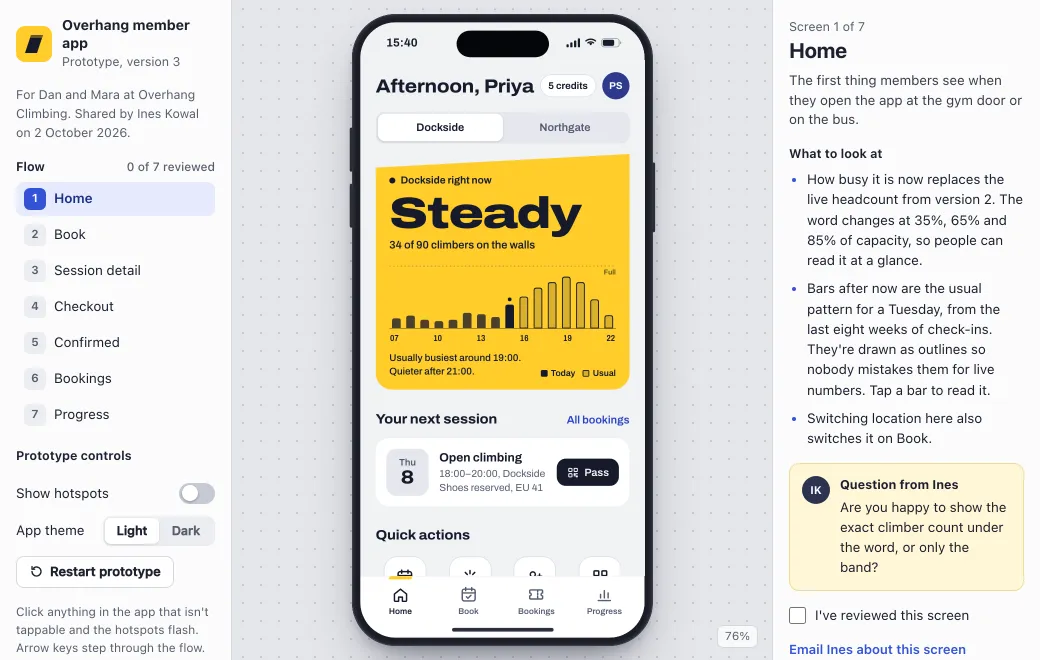 App prototypeFor designersBuild a clickable prototype with your agent and send the client one link. Walk them through it in the meeting, and every round of changes lands at the same address.See how
 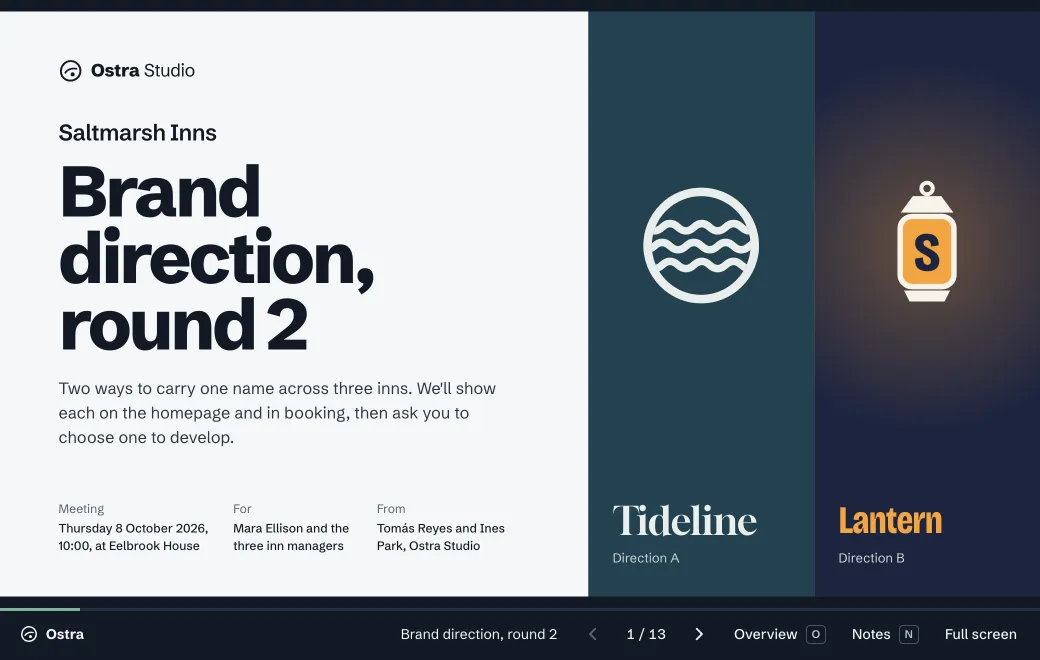 PresentationLive client reviewsWalk the client through the design directions in one working page that they follow on their own screen. They make the decision in the room and keep the link afterward.See how
 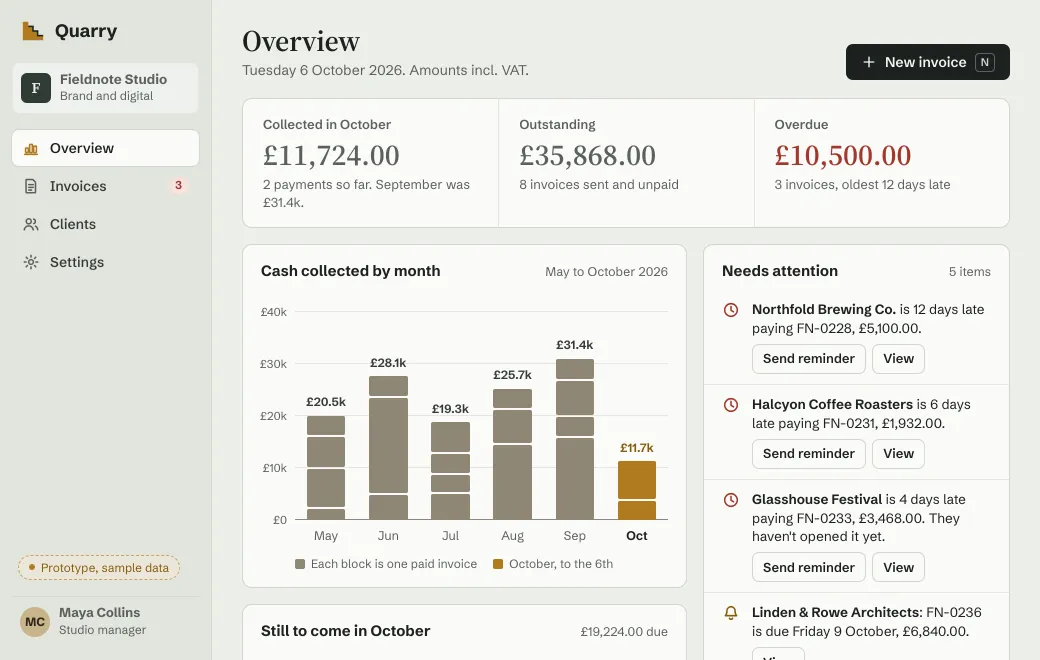 Product prototypeProduct prototypesPublish a working prototype of the feature and put it in front of stakeholders and test users. They use it in a browser, and you change it between sessions at the same link.See how
 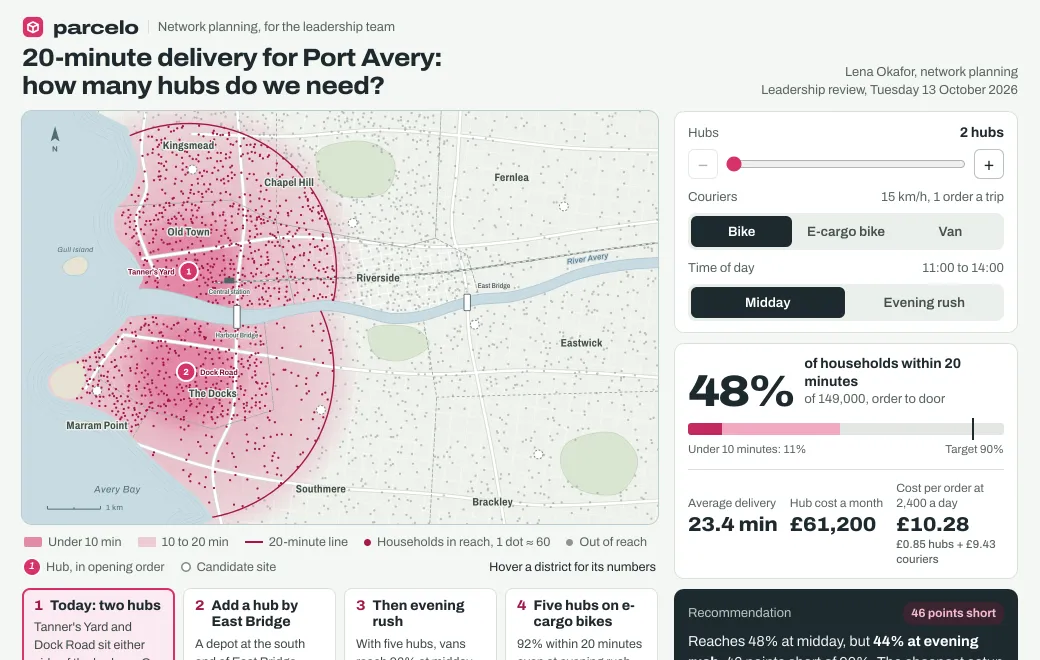 Idea visualizationIdea visualizationsPublish an idea as an interactive map, model or flow that people can change themselves.See how
 Updates, documents and decks your team keeps current.
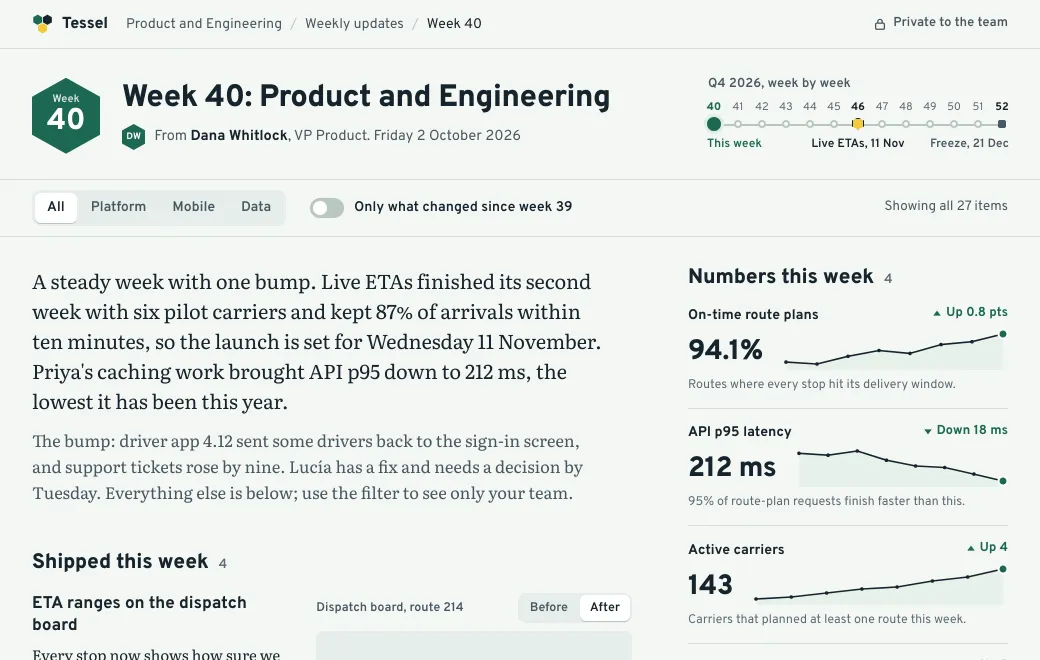 Team updateTeam updatesPublish the weekly update, the launch brief or the incident review as a page only your team can open. People filter it to what concerns them, and you can see who has read it.See how
 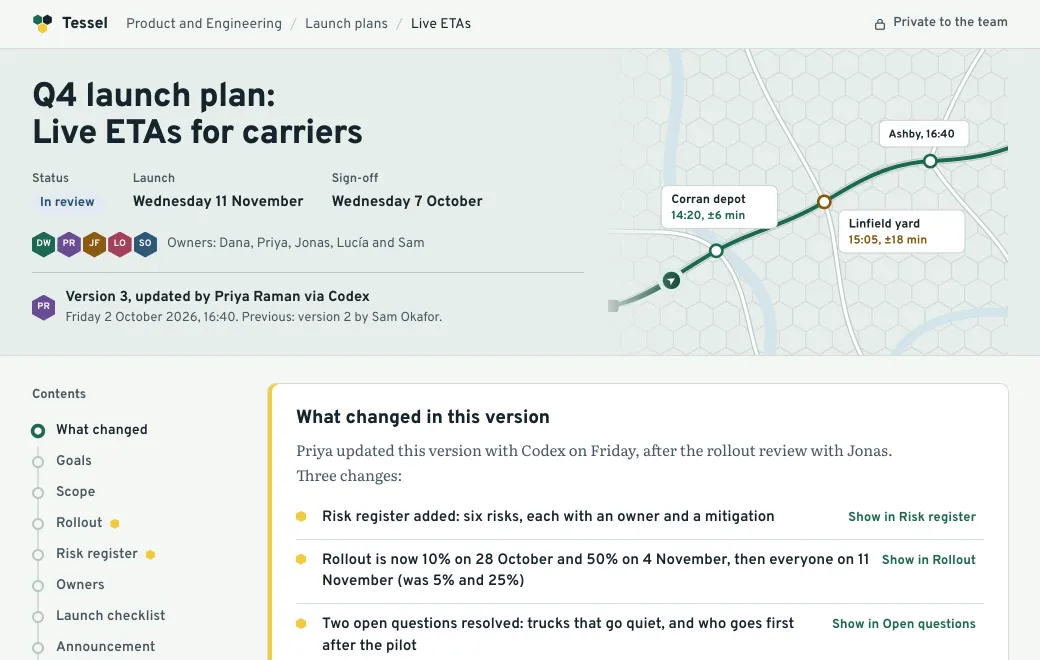 Shared documentDocuments your team edits togetherSeveral people can work on the same plan, spec or brief. Each edit, in the browser or through someone’s agent, becomes a version that records who changed what. Nobody overwrites anybody.See how
 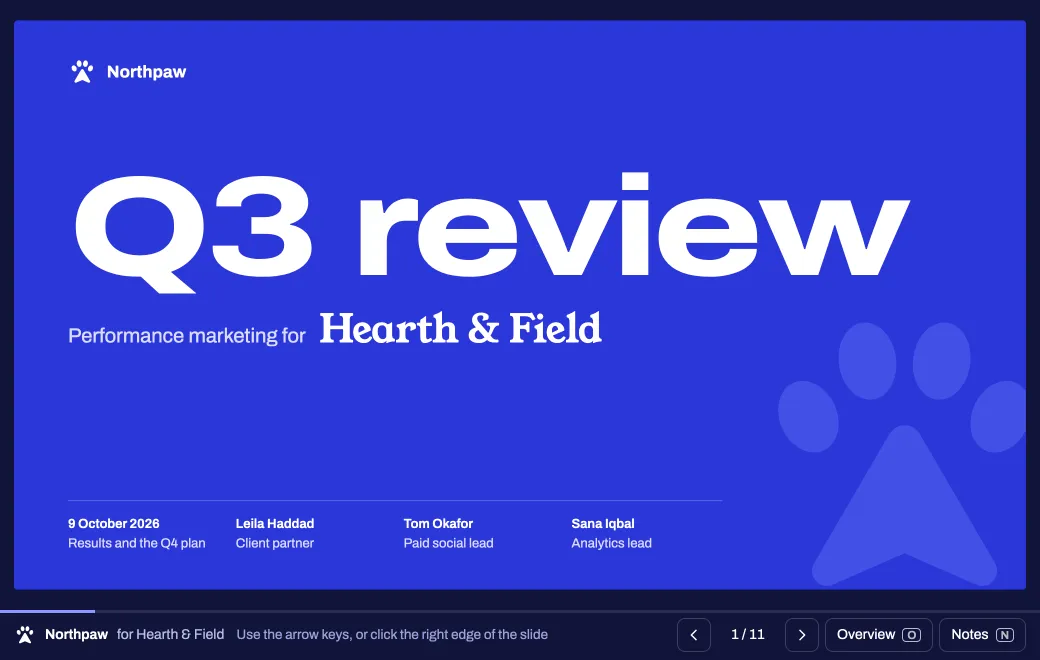 PresentationPresentationsShare PowerPoint files, Markdown slides or decks your agent builds as web pages. People click through them in a browser with the charts still working, and the next draft goes to the same link.See how
 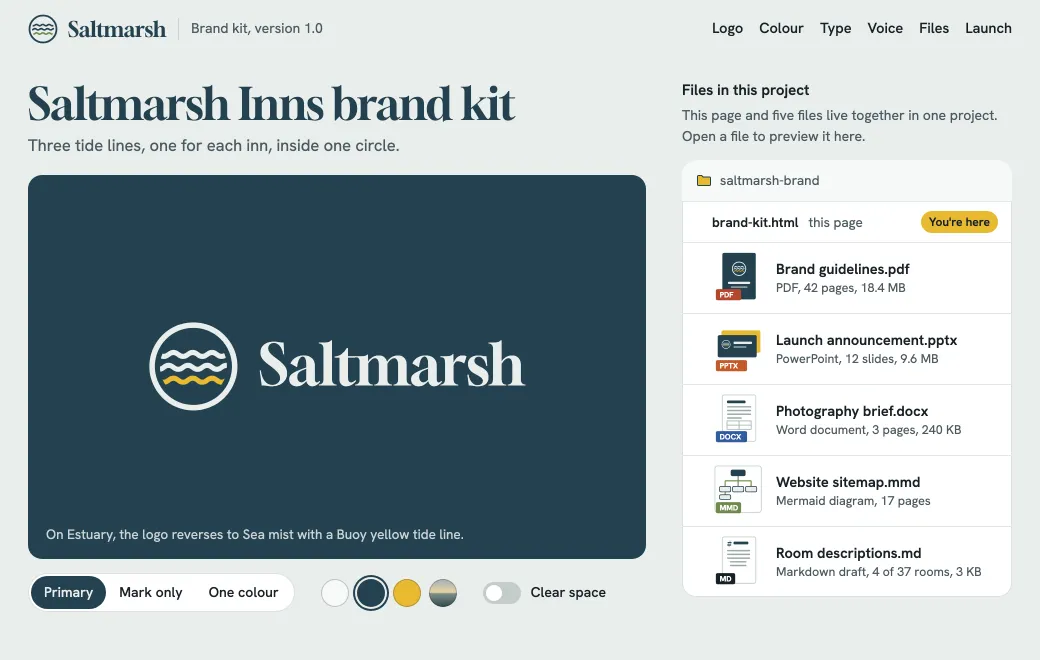 Brand kitPDFs, decks and docs, togetherPut the PDF guidelines, the PowerPoint and the Word brief in one project, with an HTML page that ties them together. Each file keeps its own link and its own access.See how
 Board packs, dashboards, models and whatever your agent made today.
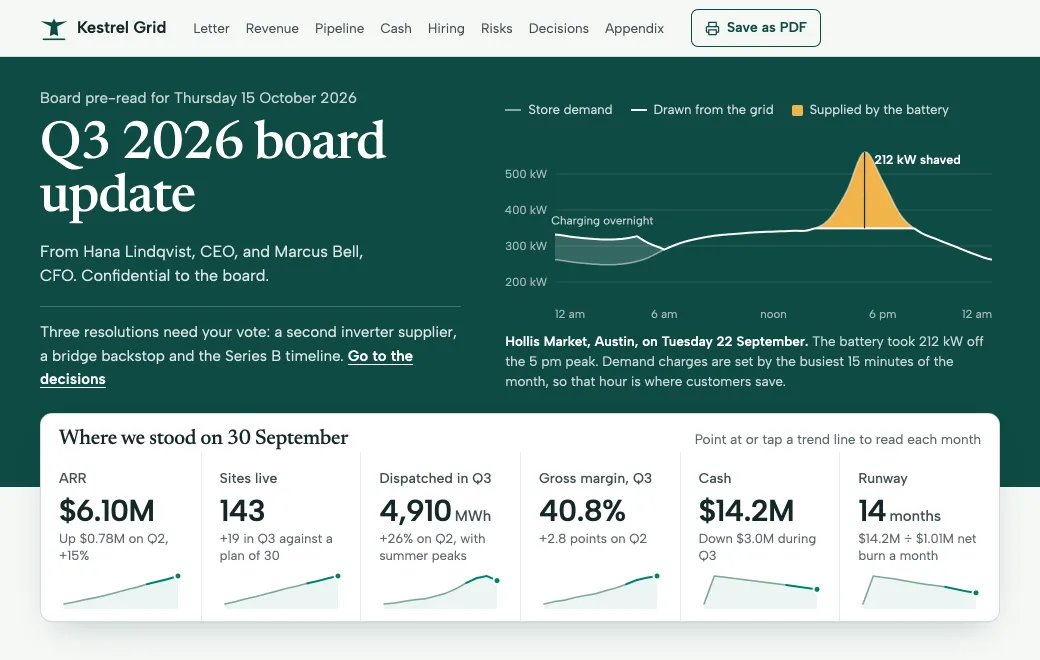 Board updateDocuments on your own domainPublish documents at an address like board.yourcompany.com and lock them with a secret code. Past quarters stay in the history, and directors read a page that stays current instead of a PDF attachment.See how
 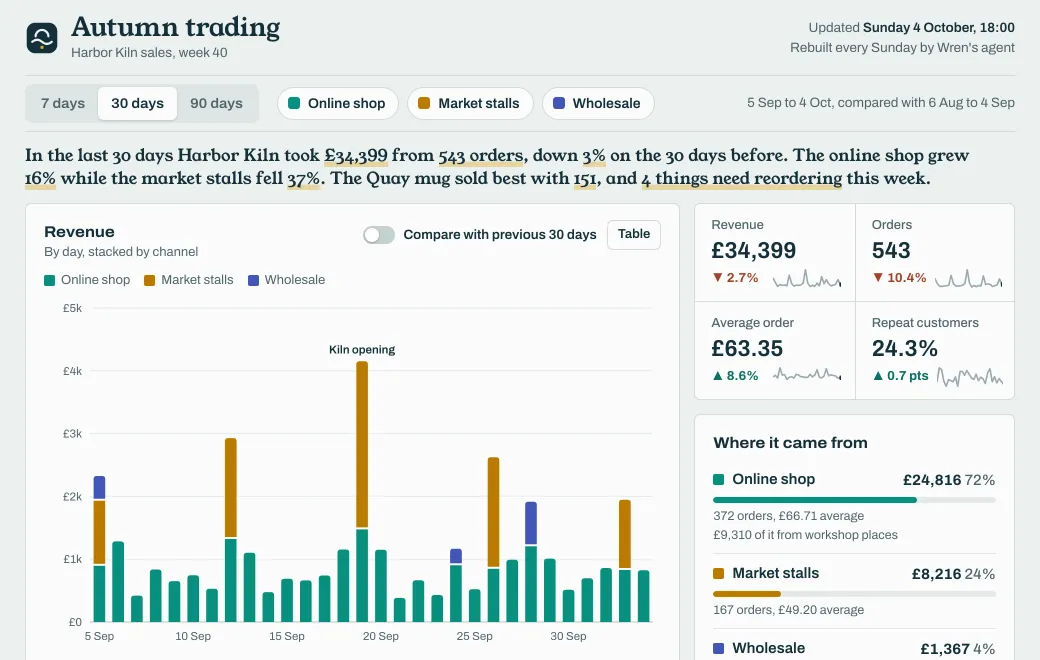 DashboardInteractive dashboardsShare a dashboard people can filter and sort in their own browser. Each week’s numbers become the next version at the same link.See how
 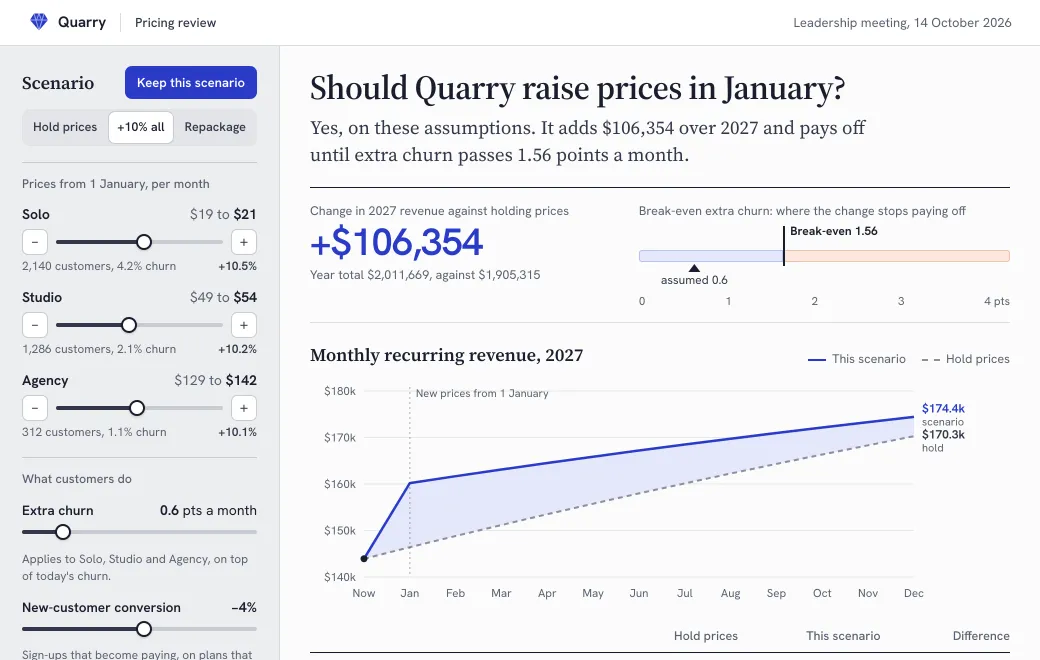 Scenario calculatorScenario calculatorsPublish the model behind a decision as a page where people can change the prices, churn or budget themselves. Everyone sees the result move, and the scenarios worth keeping sit side by side.See how
  Idea visualizationShare a Claude artifactAsk Claude to publish the artifact to artifact.guru, or download it and drop it in. Then choose who can open it and see who did. Each change becomes a new version at the same link.See how
 Published with artifact.guru
A discovery questionnaire that draws a company’s process map as you answer. Fulcrum publishes it on its own domain and improves it at the same link.
How it works
Connect your agent once with this address, then ask in plain words. Or drop files on your workspace.
“Publish this to artifact.guru”
Everything starts private. Invite people by email, add a secret code or make it public.
Each change is a new version at the same link. See who opened it, and roll back if you need to.
By team
Every client deliverable at its own link.
Prototypes clients can tap through on their own phone.
Material made for one buyer at a time.
Ideas tested before anyone builds them.
Numbers people can change during the meeting.
Updates people read.
Reports people can question themselves.
The agent publishes, and keeps the link up to date.
Output from models you run yourself.
The problem
The file sits in a conversation or on a laptop. The people who need it can’t open it there.
Once the page is an image or a PDF, its filters, tabs and links stop working.
“final-v3” lands in the thread and someone still opens v2. Nobody is sure which one is current.
One report came from Claude, the deck from ChatGPT, the prototype from Codex. There’s no single place to find them.
Often the only choice is a public link or none at all. Client work and internal numbers need something in between.
You send a link and hear nothing back, so you don’t know whether to follow up.
Pricing
Client work under your own name.
For one person
Billed monthly. Cancel any time; your files stay.
Everything in Free, plus
One workspace for the whole studio.
3 editors included, then $8 each
7-day trial. Card required; cancel before it ends and nothing is charged.
Everything in Individual, plus
For organizations that need more people, more room or their own setup.
Set up with you
Tell us about your team, and we’ll set it up with you.
Everything in Team, plus
Every plan: Claude, ChatGPT, Codex, Gemini CLI, Grok and any MCP client · Version history and rollback (3 versions on Free) · Full-text search · Link previews in chat apps. Compare every feature
Yes, with no card: 3 live artifacts and 250 MB of storage, from any agent, with private, public and secret-code links. Team also starts with a 7-day trial. You add a card at checkout, and nothing is charged if you cancel before it ends.
Your files and links stay. The plan keeps working until the end of the trial or the month you paid for. After that, a personal workspace drops to Free and keeps 250 MB. A team can still open and read everything, but making changes needs the Team plan.
Yes, if it’s Public or has a Secret code. Then it opens in any browser. For an Email link, people sign in with the address you invited. Everyone in your workspace can open everything in it.
Any client that supports remote MCP servers with OAuth sign-in, including Claude, Claude Code, ChatGPT, Codex, Gemini CLI, Grok Bot and Grok Build. You can also upload files in the browser.
The new version, the next time they open it. Earlier versions stay in the history, and you can roll back.
No. HTML pages, React components and zipped sites run in a sandbox in the visitor’s browser. Anything that needs a server, a database or secret keys still needs a real deployment.
Yes. Artifacts live in your workspace, not in the agent. Connect a different agent and it can open and edit them.
Shared artifacts, public ones included, ask search engines not to index them. Still, treat a public link as unlisted rather than secret, because anyone who has it can open it.
Connect your agent once, or drop a file on your workspace. It starts private.