Prototype with your agent
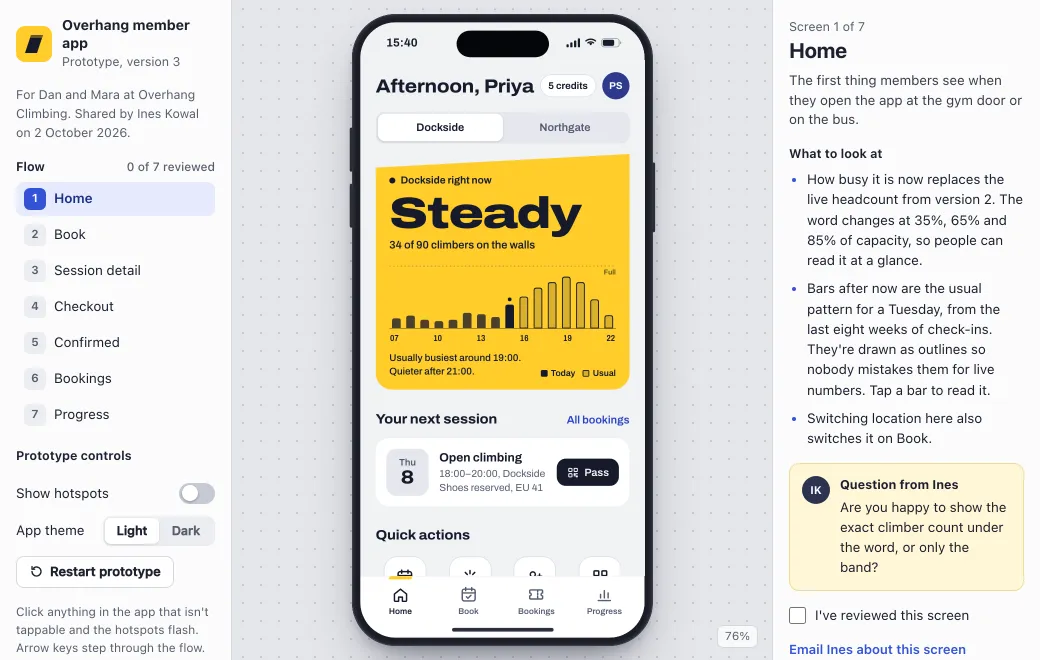
Describe the flow and the agent builds a working page, where the screens link up and what you choose on one carries to the next. The prototype above is Overhang, a booking app for a climbing gym, and the gear you rent changes the price at checkout.
Build only what the client should react to. Use real copy and prices, and include edge cases like a full session or an empty list. Leave the backend out.
| You have | Publish it as |
|---|---|
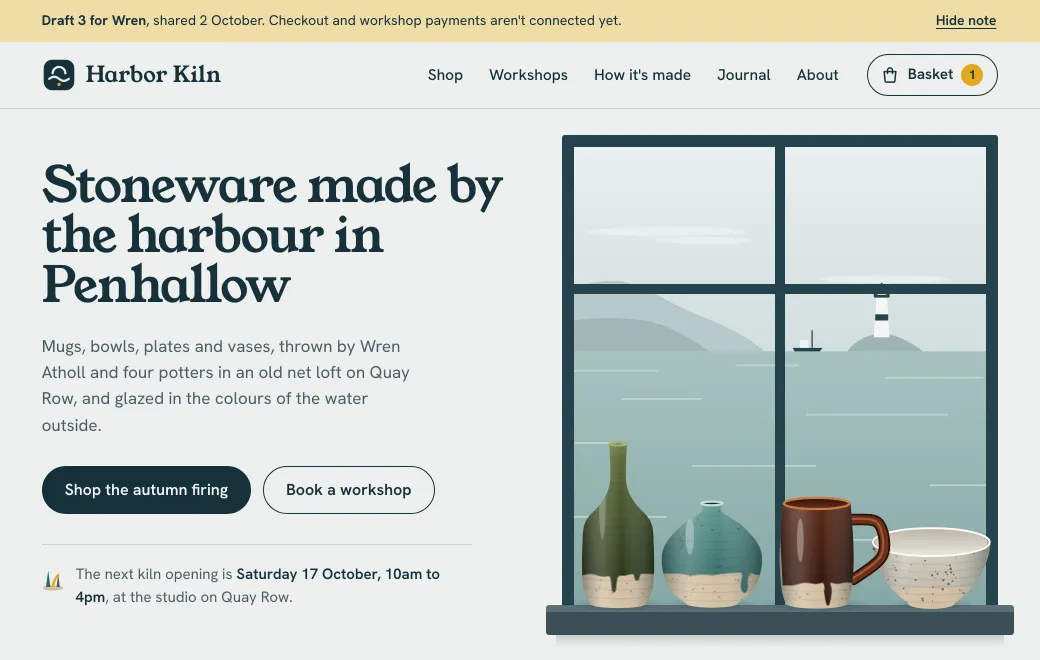
| A clickable prototype from Claude, ChatGPT, Codex or Gemini CLI | One .html file |
| A component from v0 or your codebase | A .jsx or .tsx file; it’s compiled when opened |
| An export from Lovable, Bolt or a build tool | The folder, or a .zip with index.html |
| Flows and screens | An .excalidraw sketch, PNG or SVG |
Present it in the meeting
Open the same link on the shared screen and click through the flow while the client follows on their own laptop. If they ask for something you can change on the spot, ask the agent, then have them reload. The same link already shows the new version.
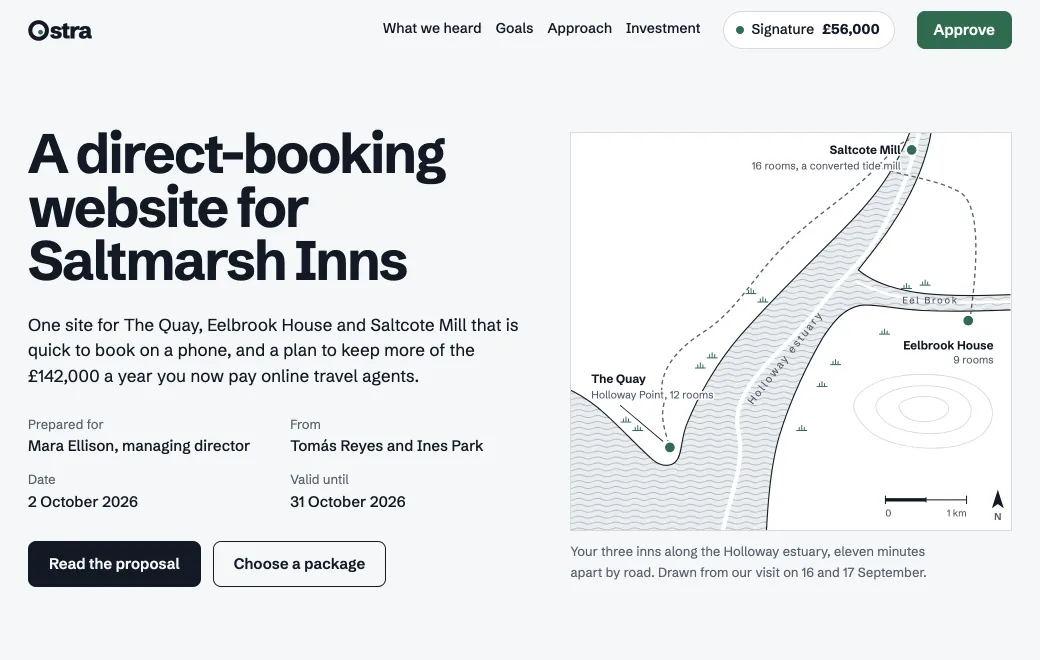
When the client has to choose between options, build the presentation as a page too. The Saltmarsh deck below sets out two brand directions and has a slide for the decision. More in presenting designs live in a client meeting.
Round two, at the same link
After the meeting, give the agent the feedback in one message: “make the time slots bigger, put Intro classes first, and show the price before checkout”. It changes just those things, and everyone with the link gets the new version.
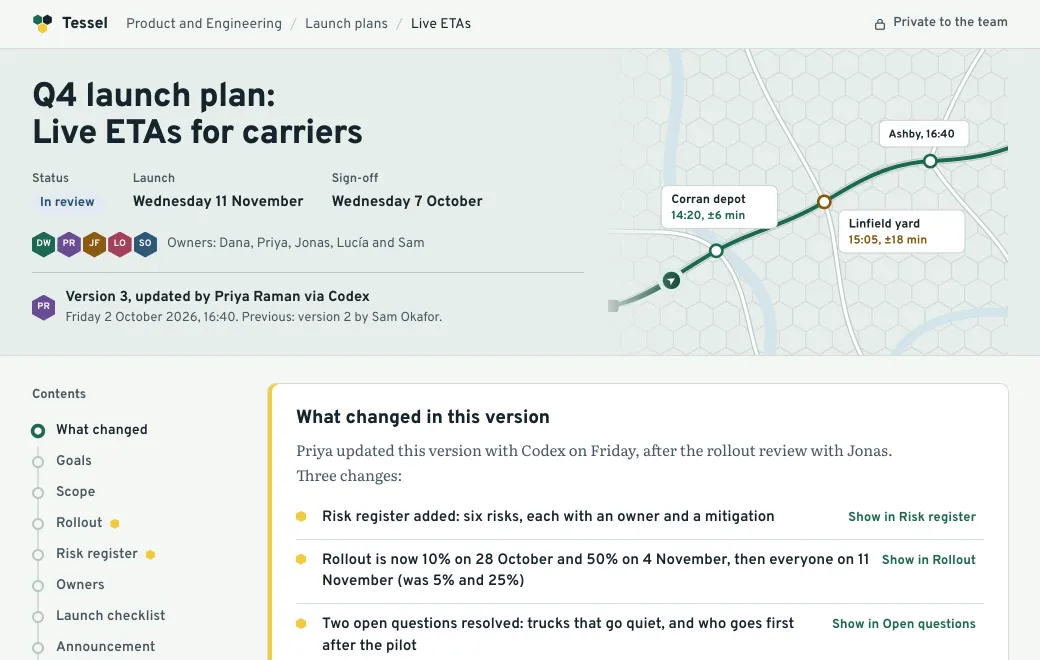
Every round stays in the Versions list with a note of what changed. If a change didn’t land, roll back; you can roll forward again later. Put the prototype, the spec and the flow sketch in one project so the next person finds all three.
Limits
- Prototypes run in a sandbox in the browser. Anything that depends on your real backend, logins or secret keys needs a proper deploy.
- There are no comment threads on the page. Collect feedback where you already talk to the client.
- Pages can’t keep data between visits on their own, so design the prototype to start from a sensible state each time.