Why a page wins over a PDF
A PDF proposal asks the client to imagine. They read three packages, do the add-on math in their head and email back “what would it cost without the translations?” Then your answer sits in their inbox while you wonder whether anyone opened it.
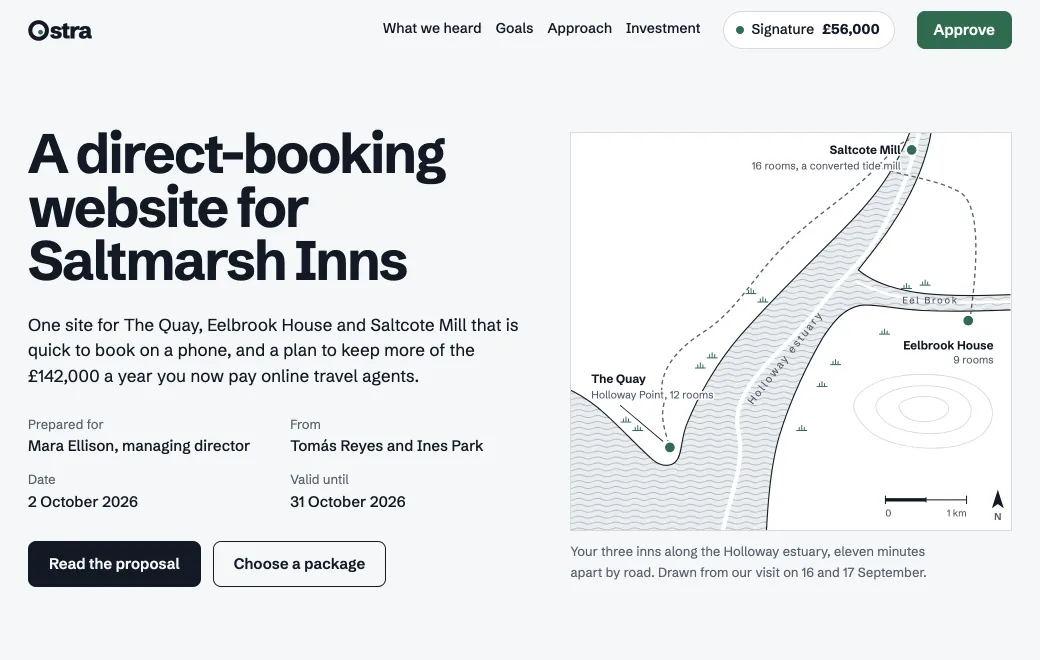
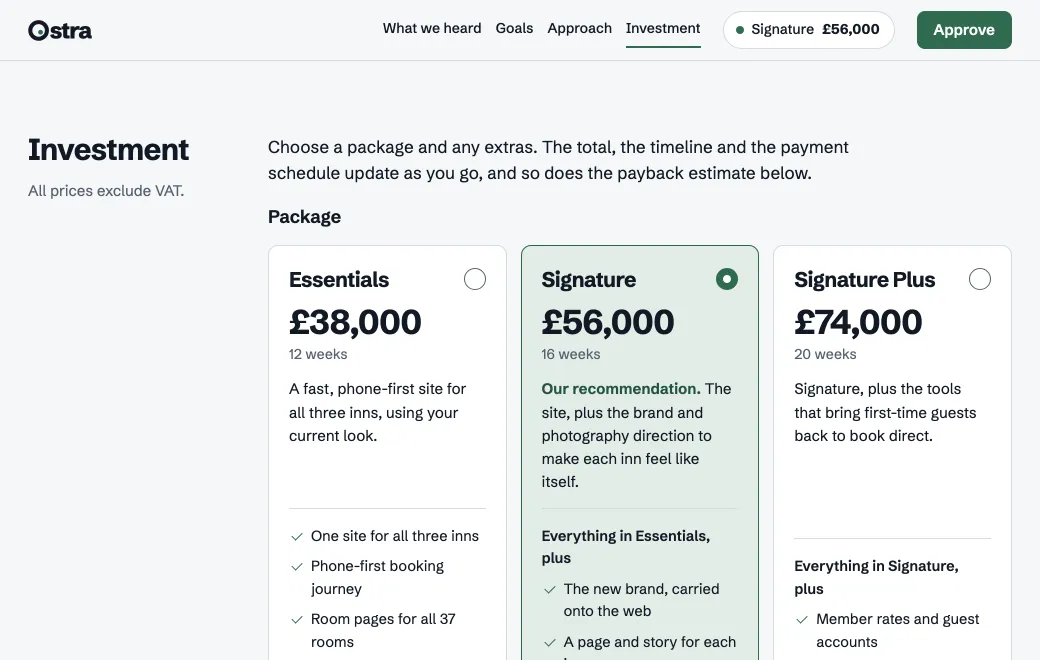
A proposal page answers those questions while they read. Choose a package in the Saltmarsh proposal above and the total and timeline change with it. A slider shows when the site pays for itself, using the client’s own numbers.
From brief to signed scope
- Give your agent the facts
Start with your notes from the discovery call and the packages and prices you’d offer. Add two relevant case studies and your terms, and ask for one self-contained HTML page in your brand.
- Publish it privately
Say “publish this to artifact.guru”. It starts Private, so you can check it on your phone and have a colleague read it first.
- Share it with the client
Invite them by email, or turn on a Secret code that expires in 7 or 30 days and send the code separately. The link stays the same whichever you choose.
- Know when they’ve opened it
Open Views beside the proposal. On an Email link you see who opened it and when, and who hasn’t yet, so you know when to follow up.
- Revise at the same link
“Drop the voucher shop and add a second photography day.” The agent changes only that, and the client’s link shows the new version.
What goes in a good proposal page
| Section | What it does |
|---|---|
| What we heard | Shows you listened: their numbers and problems, in their words |
| Goals | Two or three outcomes with targets you can measure later |
| Approach | Phases with weeks, so the timeline is believable |
| Work like this | One or two short case studies, not a logo wall |
| Investment | Packages and add-ons the client can switch, with the total, timeline and payments following |
| Approve | Their name and a checkbox, then a summary of what they chose |
Approving without a backend
Published pages run in the visitor’s browser and have no server behind them, so the page can’t store the approval itself. Two patterns work well:
- The approve button opens an email to you with the chosen options filled in, as it does in the Saltmarsh proposal.
- The button posts to a form service you already use, by its full address.
One proposal, many clients
Keep your best proposal as a template in a project, and ask your agent for a copy per client: “make a version of the Saltmarsh proposal for Harbour Cottages, with their numbers from the call notes”. Each copy gets its own link and its own access, so one client never sees another’s pricing.