One client, start to finish
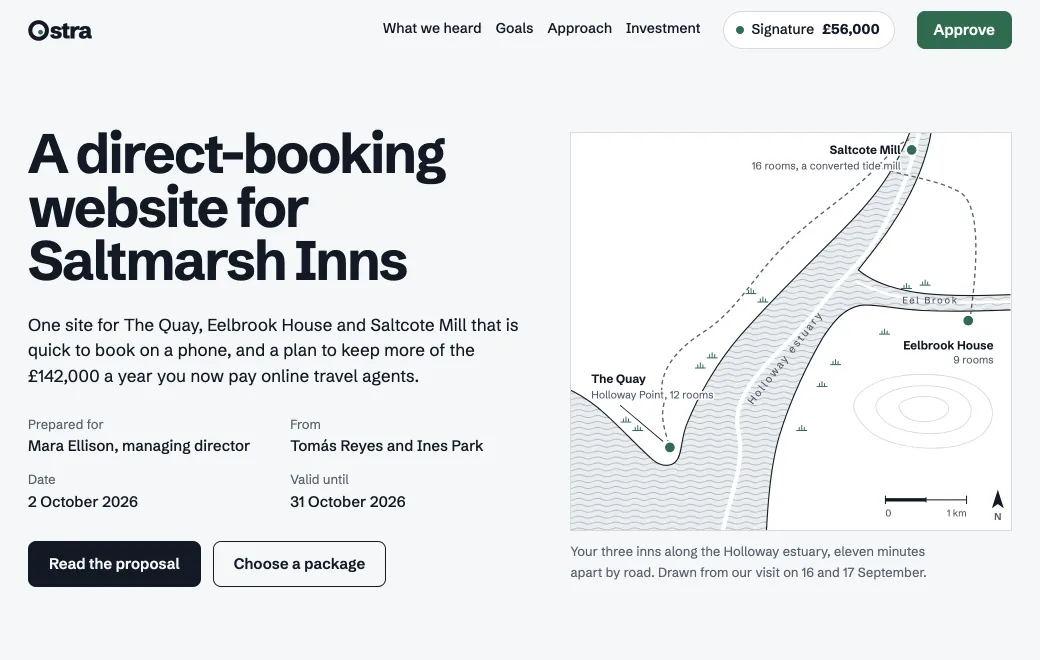
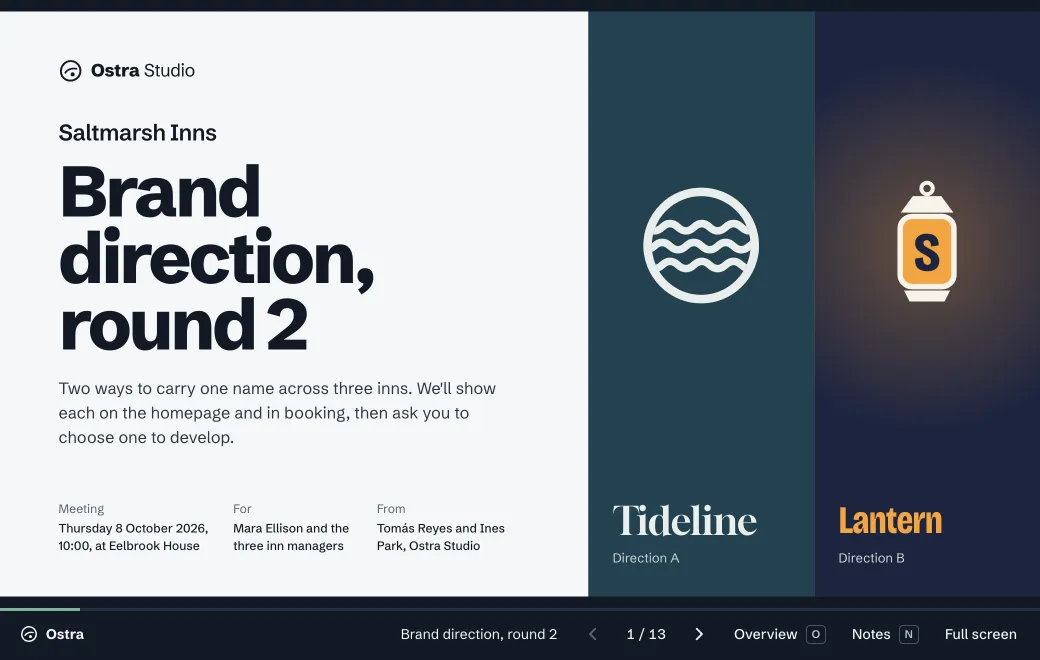
Ostra Studio pitches Saltmarsh Inns with the proposal above, and the client picks a package and approves it in the page. A week later the studio presents two brand directions in the review deck below. The client follows along on their own laptop and makes the choice in the room. At the end, a brand kit page hands everything over, from the PDF guidelines to the launch deck.
| Stage | The artifact | Shared by |
|---|---|---|
| Pitch | Interactive proposal with packages and approval | Secret code, expiring in 30 days |
| Review | Presentation with live comparisons and a decision slide | Email, to the client team |
| Handover | Brand kit page plus the PDF, deck and docs | Email, plus a code for the photographer |
How agencies set it up
- A team workspace
Everyone on the team connects their own agent (Claude, ChatGPT, Codex, Gemini CLI or Grok) and publishes to the same place.
- One project per client
Keep everything for that client in one project, from the proposal to the reports. Search finds text in all of it, PDFs and decks included.
- Each piece on its own terms
Invite the client to the proposal by email, and put a secret code on the draft so the wider client team can open it. Internal notes stay private.
- Your own domain
On Individual and Team plans, public and secret-code links move to a subdomain like
work.youragency.com.
Know when the client has looked
Open the artifact and switch to Views. On an Email link you see each person who opened it, when and how often. You also see which invited people haven’t opened it yet, so you know when to call.
Public and Secret code links show numbers instead of names. You see how many people visited, where they came from and what devices they used. Opens by your own team don’t count while they’re signed in to artifact.guru, so the numbers are the client’s.
Limits
- A team workspace needs the Team plan.
- There’s no client portal and no comment threads, so feedback stays wherever you already talk to the client.
- Pages run in a sandbox with no server, so approvals go out by email or to a form service you use.