Why present from a link
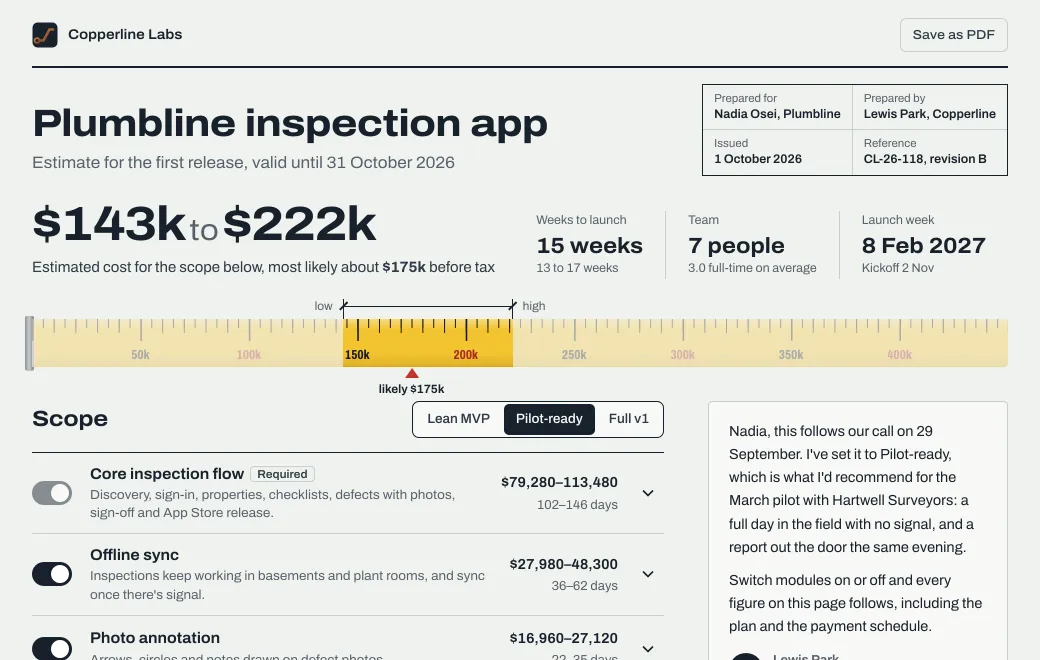
Most design reviews run from a deck exported an hour before the meeting, on a shared screen nobody else can touch. Afterward the client gets a PDF, and a PDF can’t show what moved them, like the logo on the dark background or the homepage slider.
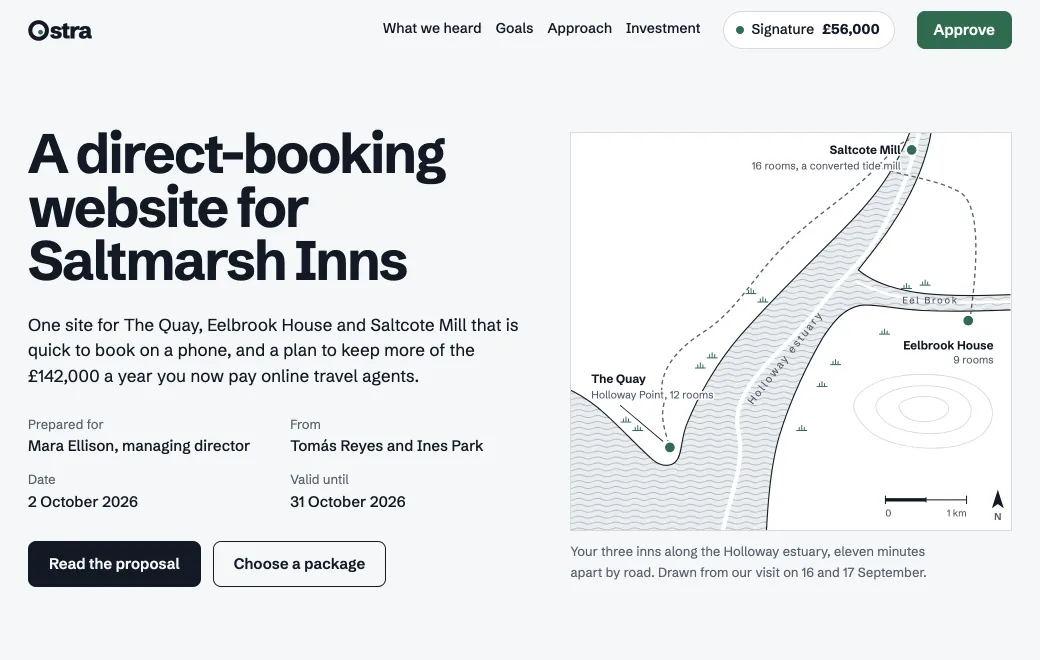
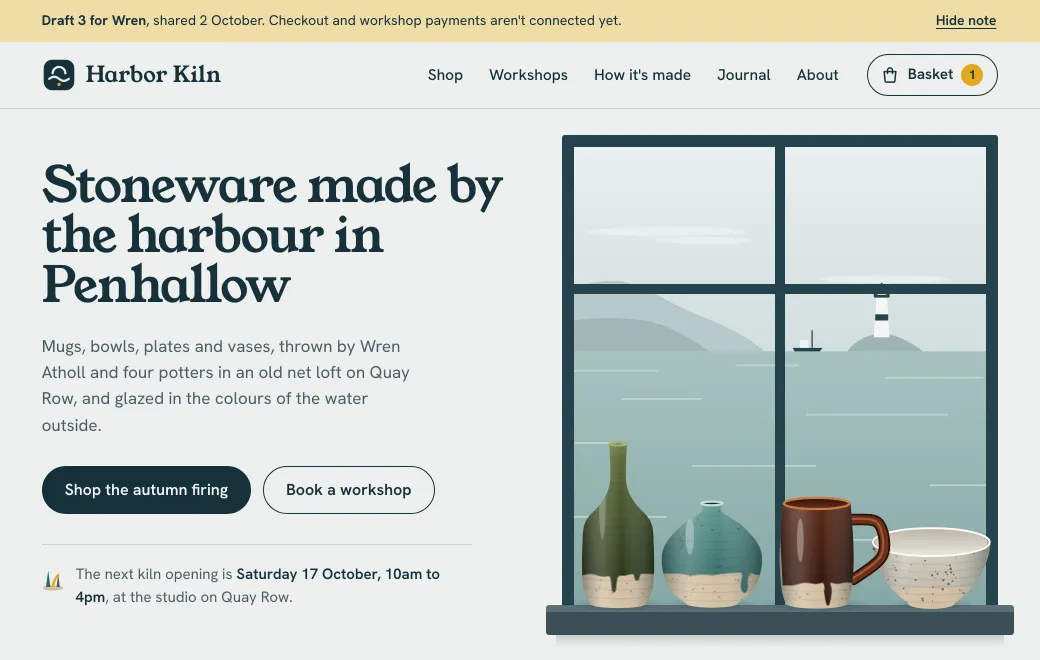
In the Saltmarsh review deck above, the client can drag a before-and-after across the homepage and make the decision on the last slide. Everyone sees the same page on their own screen, and it’s still there the next day when the client’s director asks to see it.
Before the meeting
- Build the review as a page
Give your agent the directions, the mockups and what you heard last round. Ask for slides you can step through with the arrow keys, with a few things for the client to try, like a slider or a decision slide.
- Share it with the people in the meeting
Invite them by Email. Switch off Show controls so the page opens full screen, like a presentation.
- Check who has opened it
Views shows who opened the link before the meeting. If the decision-maker already has, you can skip the recap and start with the options.
During the meeting
| Moment | What you do |
|---|---|
| Kick-off | Share your screen on the link, and post the same link in the meeting chat |
| Options | Let the client drive, switching directions and backgrounds on their own screen |
| A quick change | “Make the wordmark heavier.” Ask your agent, and everyone reloads the same link to see the new version |
| The decision | The client clicks their choice; the summary slide shows next steps and dates |
After the meeting
The page becomes the record of the meeting, with what you showed in order and what the client decided. Next round, publish the new directions to the same link. The Versions list keeps every round, so you can answer “what did we show in round one?” in a click.
Already have a deck?
- A PowerPoint file opens as slides people click through, and you can edit its text in the browser.
- A Markdown file with Marp slides opens as a deck.
- Keep the deck, the prototype and the brand kit in one project, each shared with the right people.
See presentations for more on decks.