Why a working prototype tells you more
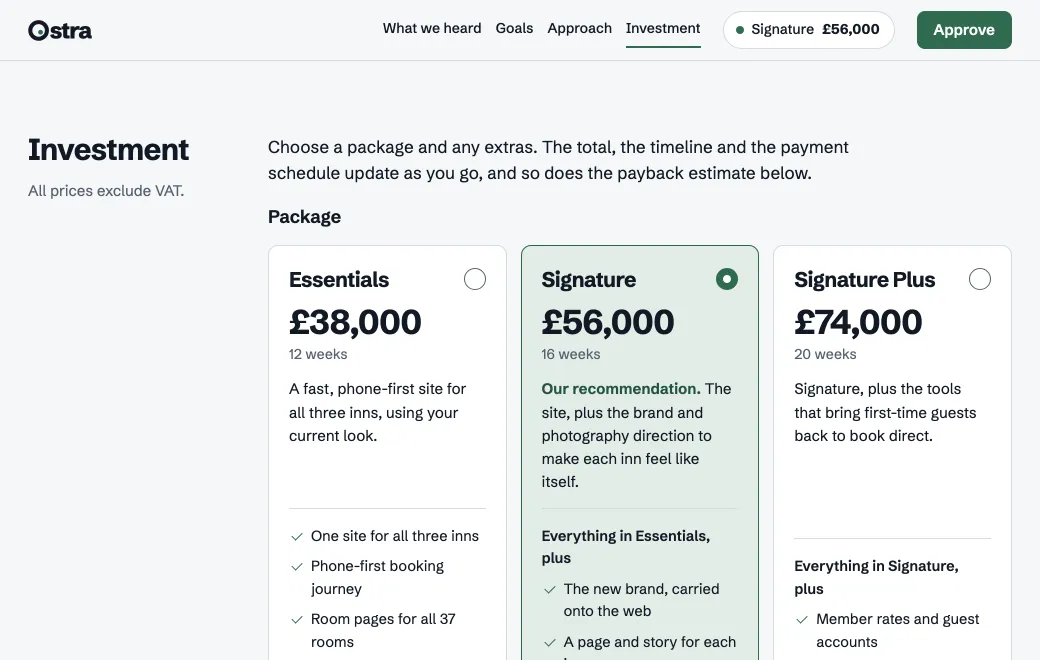
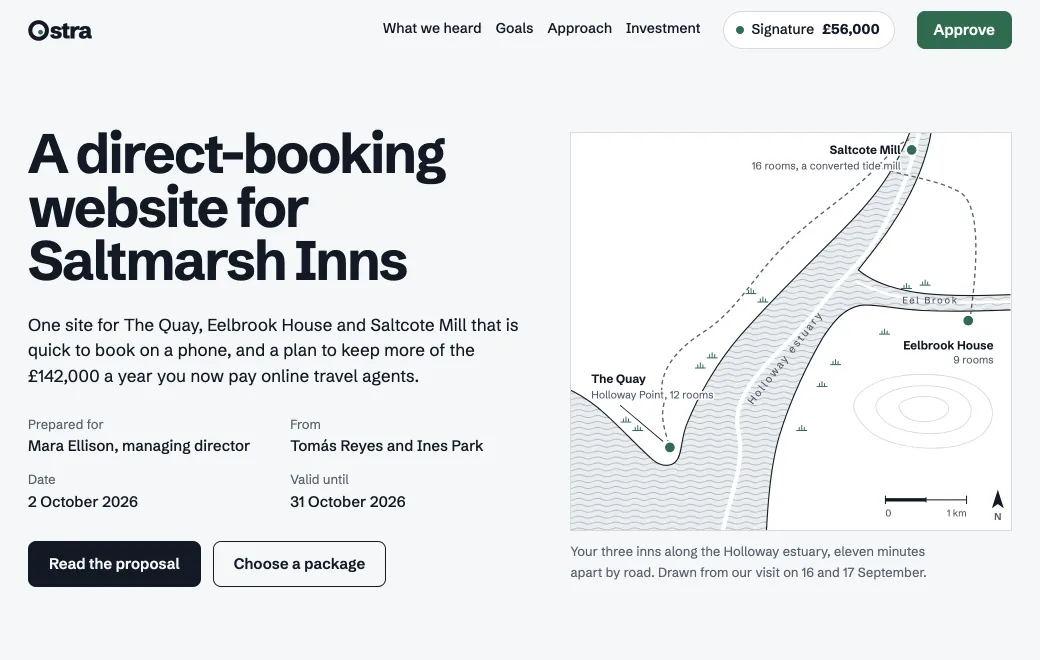
Specs and static mockups tend to get a yes in the meeting and surprises during the build. A working prototype with real data shows those surprises early, like the filter nobody understood or the button people couldn’t find.
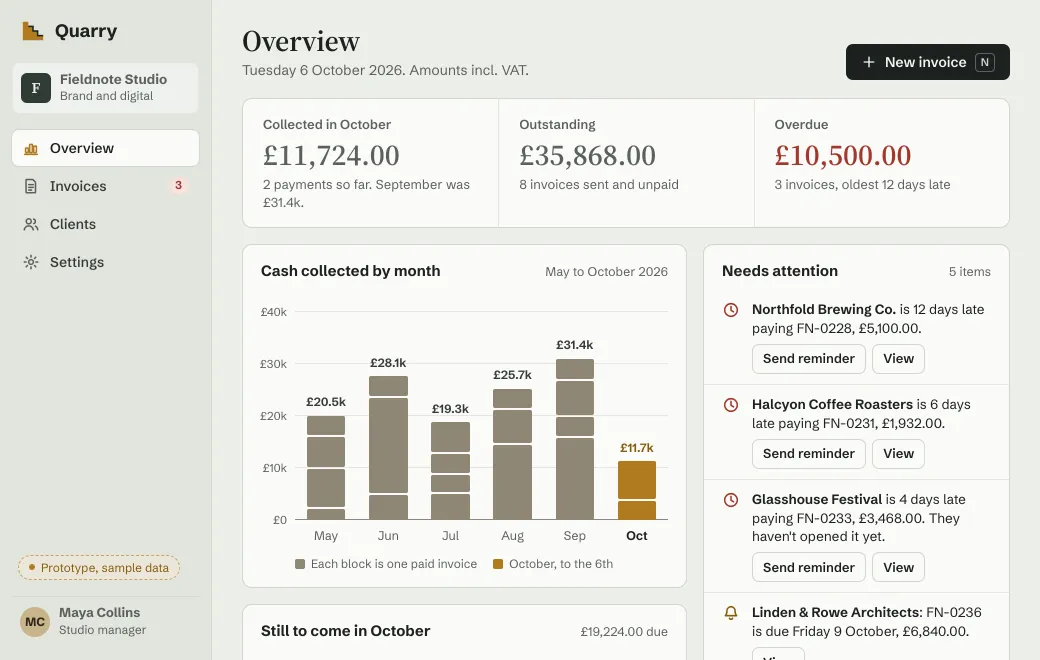
The Quarry prototype above behaves like a real invoicing app, down to the VAT on a new invoice. Test users can do the whole job, start to finish.
From idea to test session
- Describe the job, not the screens
“Agency owners need to see what’s overdue and chase it in one click.” Give the agent sample data that looks like your customers’ and the states you want to test.
- Publish it to the team first
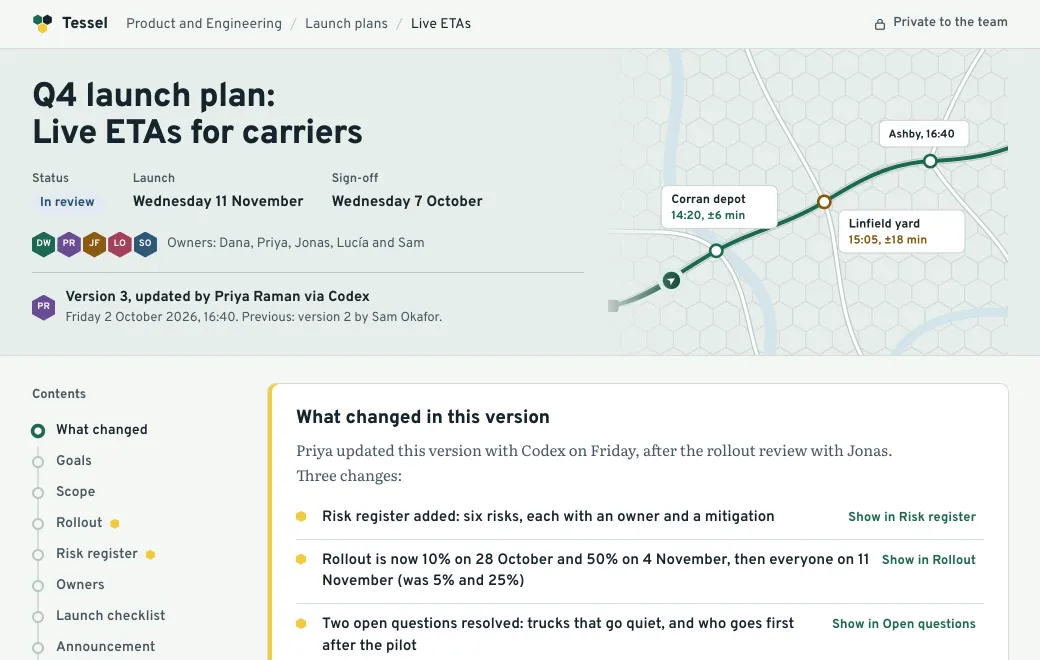
In a team workspace, Private already means everyone on the team can open it. Engineers can check what’s feasible while everyone else tries it out.
- Share with test users
Turn on a Secret code for a round of sessions and switch off Show controls so it looks like the product. Turn the code off when the round is over.
- Change it between sessions
“Move Send reminder into the row and rename Draft to Not sent.” The next participant opens the same link and gets the new version.
Learn from who used it
On secret-code and public links, Views counts daily views and visitors and shows where they came from. On Private and Email links you see each person by name.
Hand it to engineering
When the idea holds up, the prototype becomes part of the spec. Put it in a project with the PRD and the flow diagram. Engineers can open the source, and their agents can read it through the same connection you used to publish.
Limits
- Prototypes run in the browser, with no server. Use sample data, not production data.
- Pages don’t keep what testers enter between visits; each session starts from the same state.
- For a real beta with accounts and a database, deploy the product properly.