Why updates get skipped
The weekly update is usually a long message in a busy channel, or an email nobody scrolls through. People read the first two lines and miss the risk in paragraph six. On Thursday you find out nobody saw the decision you needed.
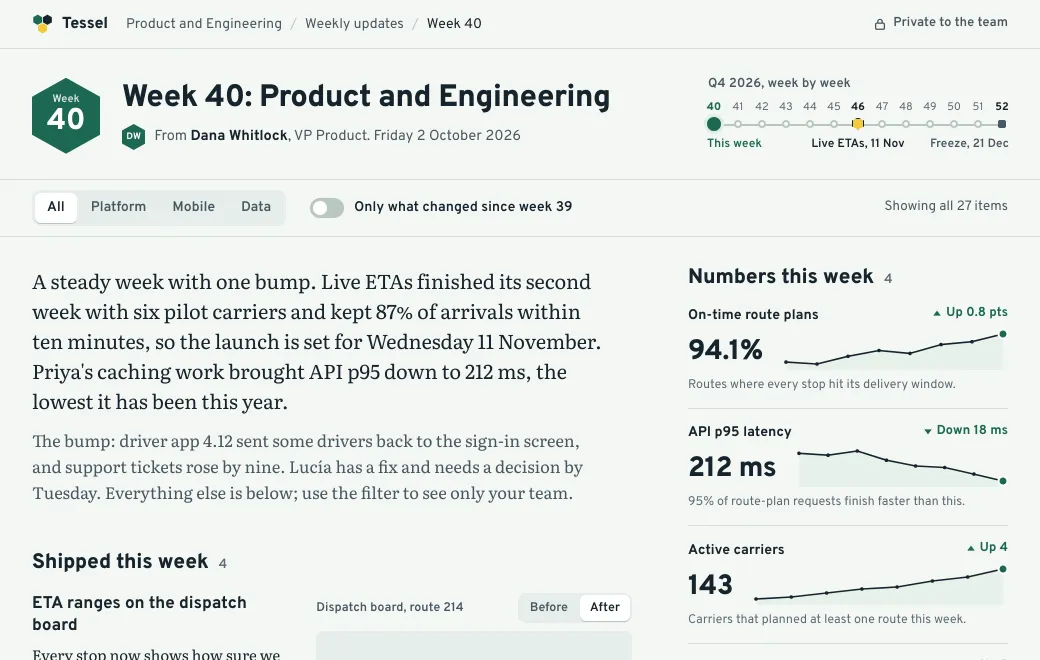
A page can be read in pieces. Tessel’s product and engineering update above lets the mobile team filter to its own items, or hide everything that hasn’t changed since last week.
A weekly rhythm
- Let the agent draft it
Give it the week’s closed tickets, metrics and standup notes. Ask for the same layout as last week, so people know where to look.
- Publish it to the team
In a team workspace, Private means everyone in the workspace can open it, and nobody else.
- Post the link where people talk
A private link pasted into Slack shows a plain card with no title, so nothing leaks into a channel with guests.
- Check who read it
Views lists each teammate who opened it and when. Then you can nudge the two people whose decision is due instead of the whole channel.
Updates that work as pages
| Update | What the page adds |
|---|---|
| Weekly or monthly update | Filters by team, changes since last time, metric charts |
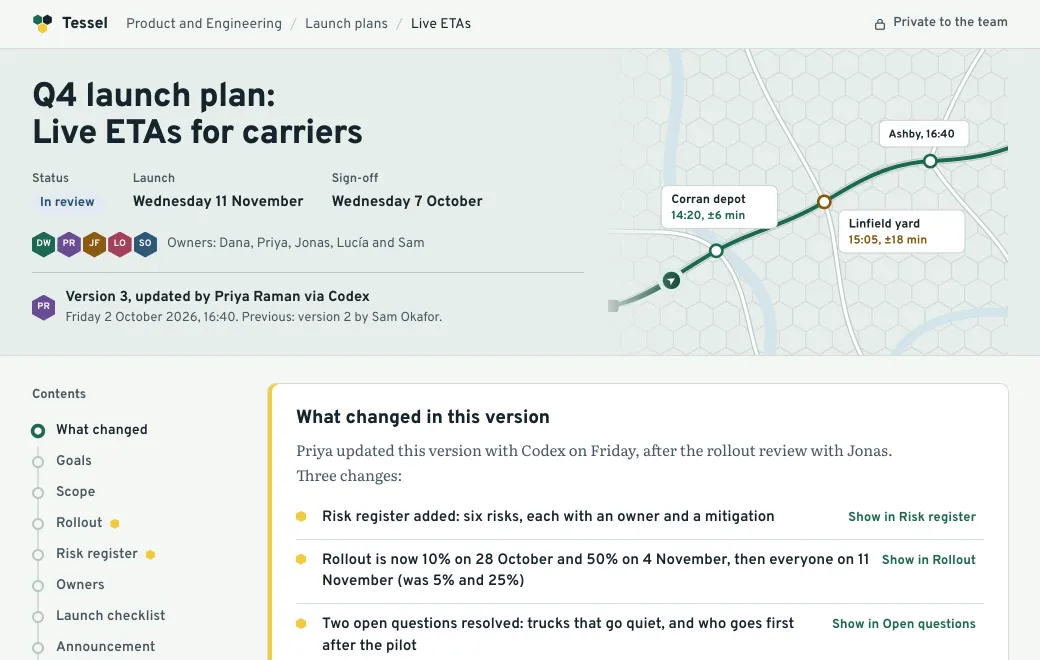
| Launch brief | Timeline, owners, a checklist with progress |
| Incident review | A timeline you can step through, with the fix and follow-ups |
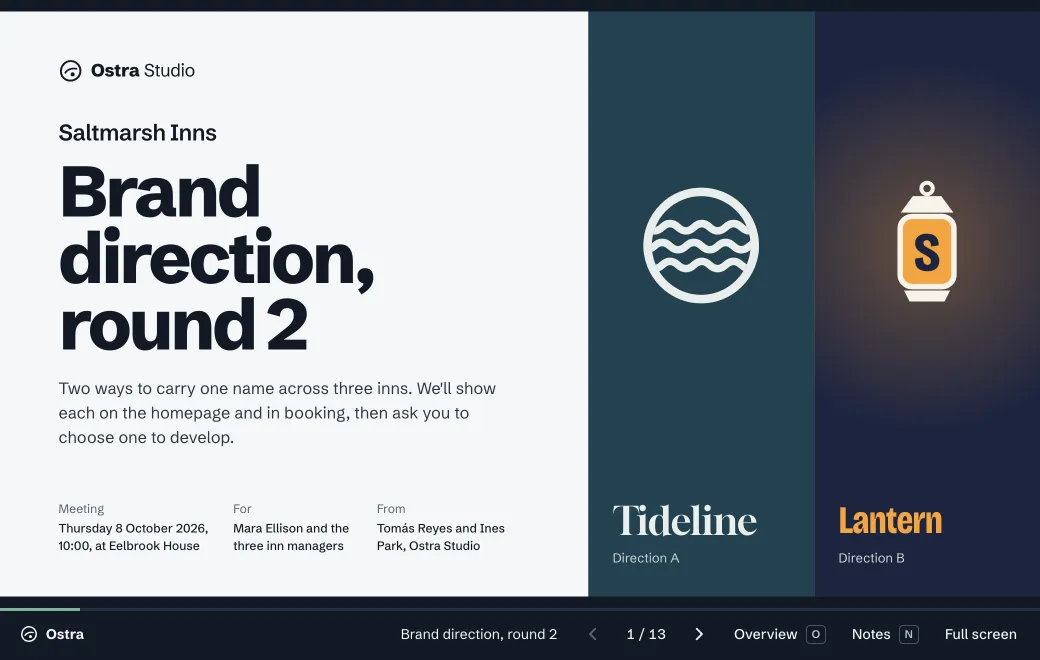
| All-hands notes | The slides, the numbers and the Q&A in one place |
| Onboarding guide | A path through the first week, with links to every document |
Every week in one place
Publish each week as its own artifact in an Updates project, and you can find any of them by what’s inside. Search for “when did we ship live ETAs?” and you get the week it happened. Or keep one living link that always shows this week, with past weeks in its version history.
Limits
- There are no comments or reactions on the page. Discussion stays in your chat tool, with the link at the top of the thread.
- Views counts people who opened the link, not how far they read.