Sharing
Share links
The four ways to share, secret codes, email invitations, and what a link shows when it's pasted into a chat.
Who can open a link
Every artifact starts Private. Open it and choose Share, or ask your agent, to pick one of four modes. Switching never changes the link, so you can share first and widen or narrow access later.
| Mode | Who can open it | What everyone else sees |
|---|---|---|
| Private | People in this workspace | “This link is private” and a sign-in button |
| People you invite by email, and your workspace | “Sign in to open”, then the file once they sign in with the invited address | |
| Secret code | Anyone with the link and the code | “Enter the code”, then the file |
| Public | Anyone with the link | The file |
Secret codes
A code looks like KM7Q-4XPA: eight letters and digits, leaving out look-alikes such as 0 and O. Send it separately from the link, for example the link by email and the code in chat.
When you create a code, choose how long it lasts: 7 days, 30 days or no expiry. New code replaces the old one at once, so anyone who only knows the old code is locked out.
Invite people by email
Choose Email and add addresses, up to 50 per artifact. Each person signs in with the invited address to open the link; a different address gets “You don't have access”. Remove an address any time.
When an invited person opens the file, it shows in the artifact's activity.
Controls and full screen
Shared links open with a slim bar on top: the artifact.guru mark, the title, Copy link and Download. Switch off Show controls in the Share panel to show only the file, full screen. That suits presenting, or embedding a prototype.
Link previews
Paste a public link into Slack, iMessage, WhatsApp, X, LinkedIn or Discord and it unfolds into a card with the title, the format and your workspace's name.
Roadmap for Thursday: https://docs.acme.com/q3-roadmap
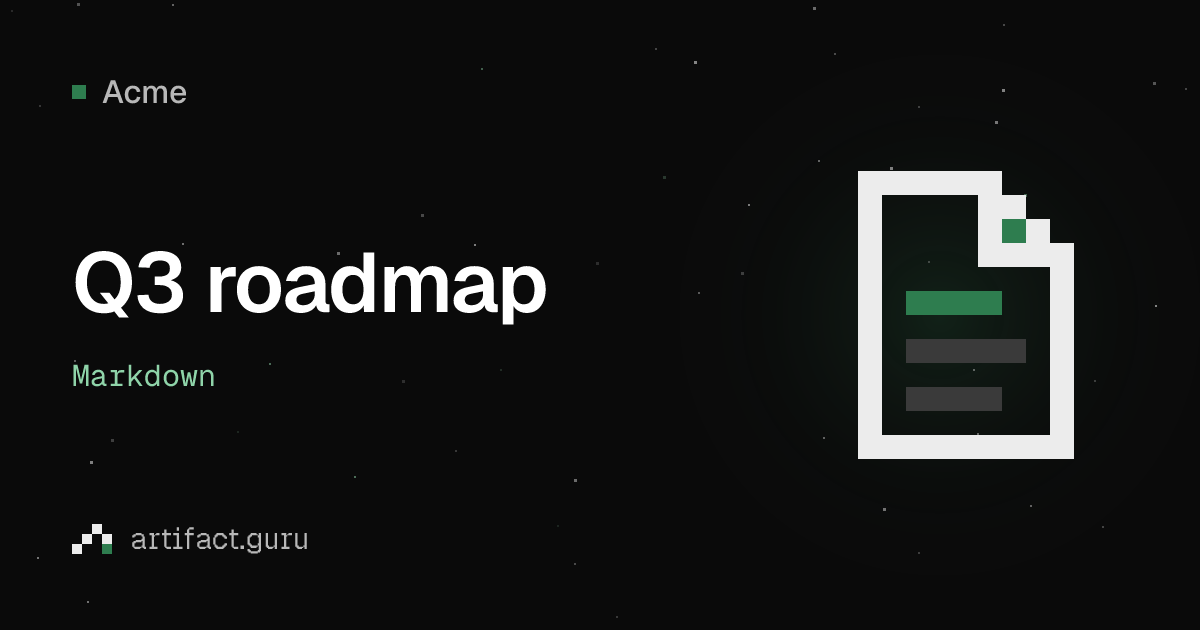
Links that need a code, an invitation or your workspace show a plain Private link, Invite-only link or Protected link card, without the title. The services that draw previews can't sign in, and anything a preview shows is visible to everyone in the chat.
Stop sharing
Set a link back to Private and it stops opening for everyone outside your workspace, at once. Deleting an artifact turns its link off for good.